
Print that suits the pace of a busy kitchen
Restaurants and cafés in Randfontein, Krugersdorp, Westonaria, Mogale City and Roodepoort usually need print at short notice. A lunch menu changes, a breakfast special runs out, or a new takeaway offer needs to go into the window before the weekend crowd arrives. For that kind of work, digital printing is the practical choice because it handles smaller runs quickly and keeps your costs under control.
For food outlets, the first job is not fancy decoration. It is getting the prices right, making the sections easy to read and making sure the print can survive daily handling. Menus for laminated counter use, tent cards for tables, poster boards for specials and takeaway flyers for door drops all need different sizes and finishes. In the Randfontein CBD, where many businesses work with tight timeframes and load-shedding schedules, it helps to have a printer that can turn artwork around without long delays.
If you are opening a new café or updating an existing restuarant, the best plan is to start with the items customers see first. That usually means the main menu, a window poster, one or two table display pieces and a flyer for specials or delivery. Once those are set, the rest can be built around the same layout so the whole front of house feels organised.
Common print items for cafés, takeaways and restaurants
Food businesses do not all need the same package. A coffee shop in Greenhills may want neat counter cards and a small A4 specials sheet, while a family restaurant in Toekomsrus might need larger posters, laminated menus and sticker labels for takeaway bags. The point is to match the print to how the outlet actually works.
Typical items we prepare for food outlets include:
- Menu layout and print ready artwork for dine in and takeaway use
- Window signage for trading hours, specials and opening notices
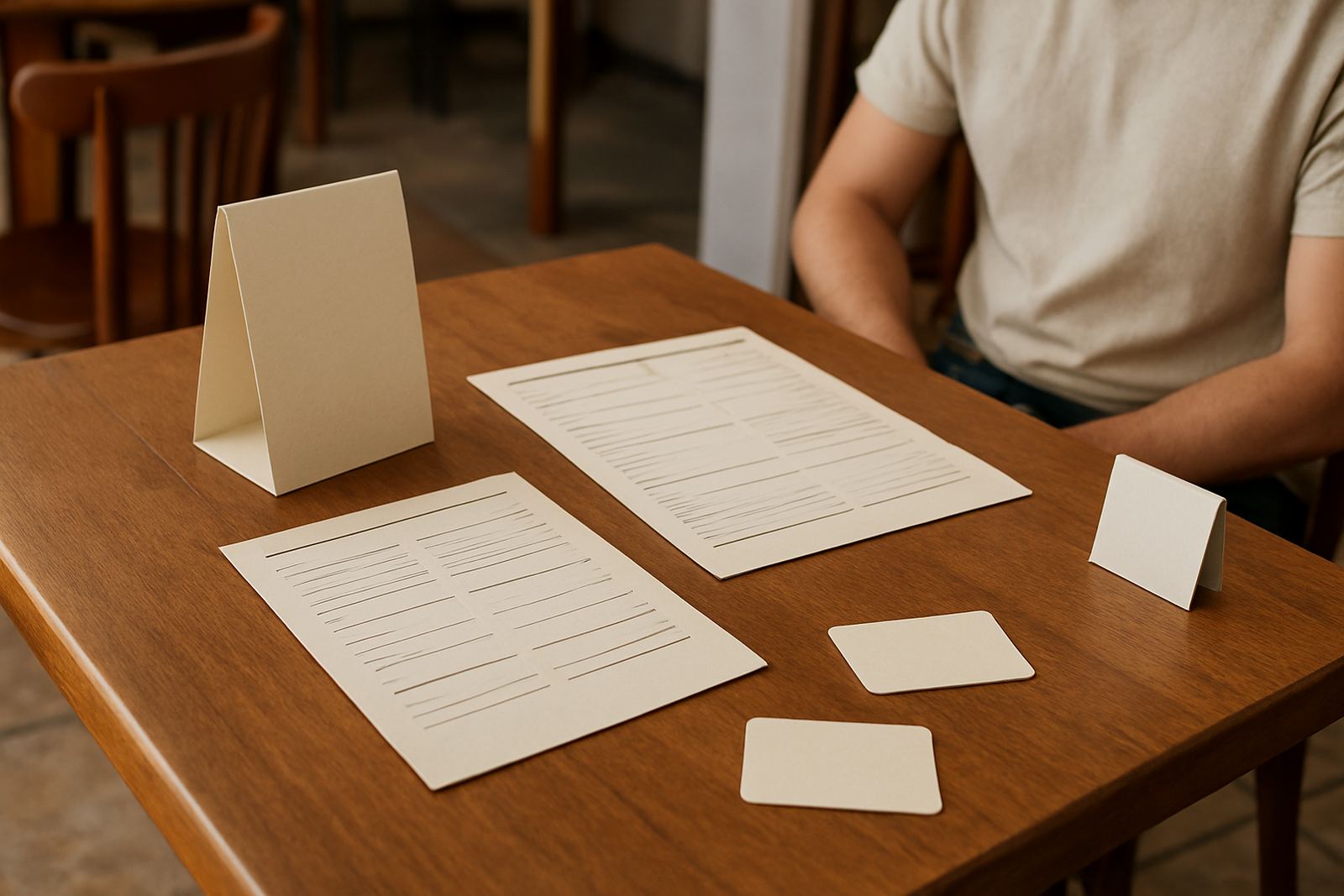
- Table displays for daily offers, dessert lists or QR code cards
- Flyers for handouts, leaflet drops and local promotions
- Sticker design for packaging, tubs, bottles and sealed bags
- Poster design for product launches, combo meals and events
If your outlet has multiple service points, such as a till counter, coffee station and takeaway hatch, it helps to keep the same type sizes and spacing across all printed items. Customers should not have to read three different styles just to find the price of a lunch special. That consistency also makes later updates simpler, because new prices can be swapped in without reworking the entire set.
Layout choices that work in real food spaces
Menu layout is more than putting text on a page. In busy food spaces, the layout must help staff move quickly and customers choose quickly too. A café menu with too much copy will slow service. A takeaway flyer with tiny text will end up in the bin. Good layout gives the eye a clear path from the item name to the price, then to the extras or notes.
For restaurants and cafés, we usually suggest simple groupings such as breakfast, light meals, burgers, drinks and desserts. Use one clear heading style, then keep item names and prices aligned. If you need specials, place them in one box so they can change weekly without upsetting the full menu. For window signage, keep the message short and bold. Hours, a single offer, or a clear call to action will work better than a crowded poster full of details.
It also helps to think about the actual environment. A seaside venue is not the same as a shop in Randfontein CBD, and even inland, humidity, steam and constant cleaning matter. For counters and table pieces, laminated print or a wipeable finish is usually the better option. For posters in a bright front window, watch glare and contrast so the text is still readable at midday.
- Keep pricing in the same position on every page
- Use one or two typefaces, not a mix of styles
- Leave enough white space so the menu is not crowded
- Choose paper and finishing that suit food handling and cleaning
- Check spelling, meal names and prices before print approval
Artwork problems that cause costly reprints
Many print problems start with rushed artwork. A common mistake is sending a menu with low quality images, which looks soft or blurry once printed. Another is using colours that do not read well on paper, especially pale text on a light background. Prices also get missed when staff update a special but forget to check the full list. That can cause confusion at the counter and extra cost for a reprint.
We also see fonts that are too small for customers standing at a distance. If the menu is on a wall or behind glass, it needs larger type than a handheld sheet. For flyers, the most important details should sit near the top, not hidden at the bottom below too much copy. When printing for several branches or service areas, it is worth making a master layout first, then adapting it for each outlet rather than rebuilding everything from scratch.
Proofing is worth the time. A quick check on names, meal descriptions, trading hours and prices can save you from printing 500 flyers with one wrong line. If you are running specials across Krugersdorp, Mogale City and Roodepoort, make sure each version is clearly marked so the right one goes to the right area. Small admin slips happen easily when the kitchen is busy and the phones keep ringing.
Budget ranges for food business print
Budget depends on size, quantity, paper choice and finishing. A small batch of takeaway flyers will cost less than a full menu set with laminated pages and poster boards. For many West Rand food outlets, digital print is the sensible route because you can start with a smaller run and reprint when the menu changes instead of carrying old stock.
As a working guide, simple flyer design and print projects often start from a few hundred Rand for short runs. Laminated counter menus, window posters and table displays generally sit higher because of the extra finishing. Sticker sets for packaging vary depending on shape and quantity, while larger banner artwork and print will move up further depending on size. If you need a full opening package, with menu layout, poster design, window graphics and takeaway flyers, it is usually better to group the job and plan the order together so the costs are easier to manage.
For businesses working out of Randfontein CBD, Greenhills, Mohlakeng or Westonaria, planning around one main print cycle can also save time on collection and revisions. That matters when stock orders, staff shifts and promotions all happen in the same week.
How @Print helps local food outlets stay ready
@Print works with food businesses that need practical print, not guesswork. Our team in Randfontein handles design, proofing, printing and finishing for menus, flyers, posters, banners and stickers. Thabo Johannes Mokoena leads the business, with support from Lerato Ndlovu in production, Willem van Zyl on print operation, Anele Dlamini on graphic design, Bianca Naidoo on client services, Kagiso Molefe in finishing and Megan Botha on sales. That means your job can move from enquiry to print with one clear point of contact through the form on our contact page.
Because we work across the West Rand, we understand what local outlets need: quick updates, readable layouts and print that holds up in busy service areas. Whether you are launching a new breakfast menu, replacing worn window signage or refreshing your takeaway flyers, we can help you set up a print plan that is simple to maintain. The aim is to keep your front of house looking tidy and your information easy to read, without overcomplicating the job.
- Quick turnarounds for urgent specials and reprints
- Layout support for menus, table displays and flyers
- Practical finishing options for food service use
- Local service for Randfontein and nearby West Rand areas