

Start with the right guide for your job
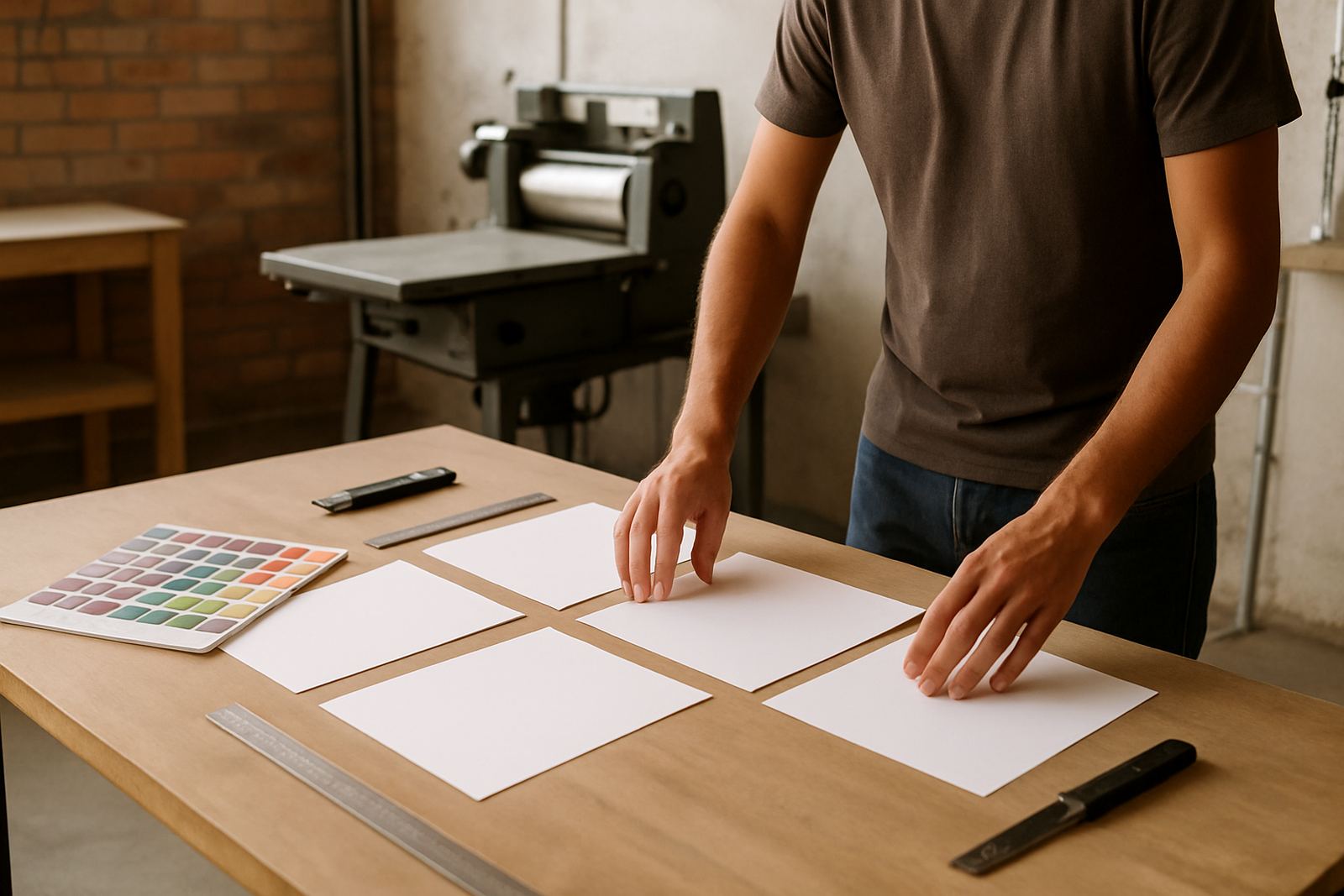
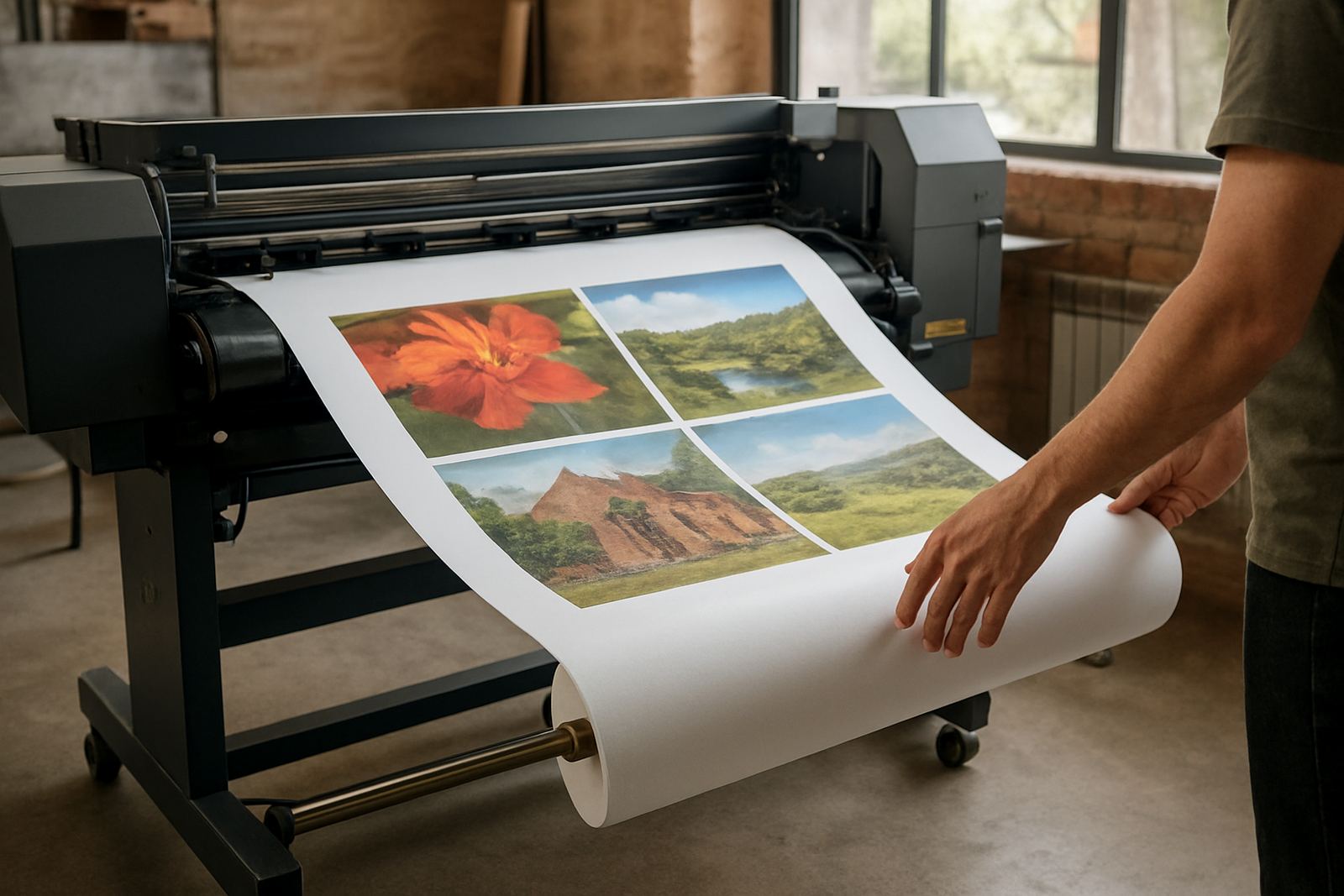
If you are ordering business cards, flyers, posters, banners or stickers, the first step is to match your artwork to the product size and the way it will be used. A flyer for handing out in Randfontein CBD needs different setup to a shop banner for a roadside site in Krugersdorp, and that includes size, bleed and image quality.
Use the guide that matches your item, then check the file notes before sending anything through the enquiry form. That saves time on proofing and helps us keep same-day work moving for West Rand businesses. If your artwork is already close, a few small fixes can usually get it print ready without starting again.
File setup that avoids costly delays
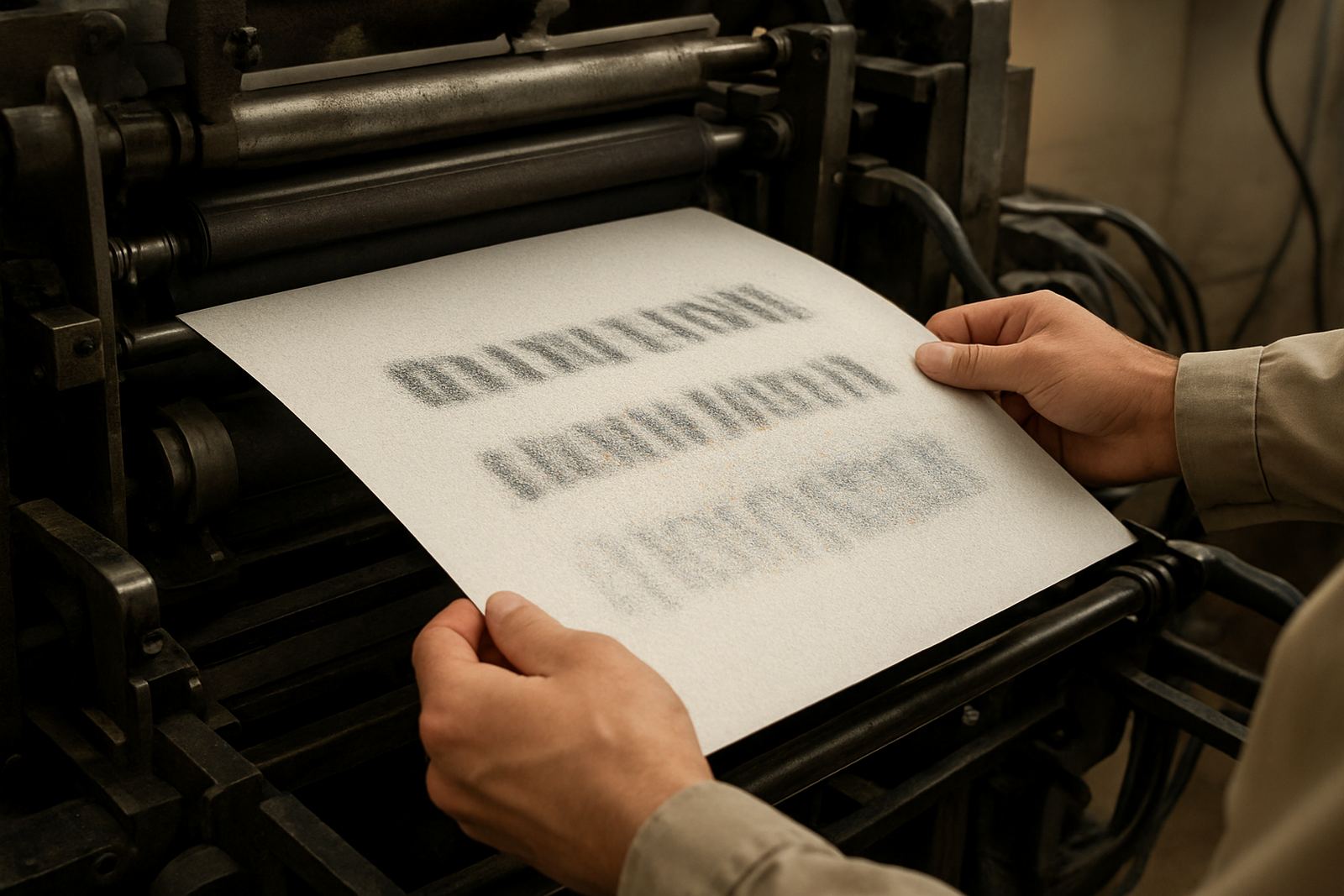
Most print problems come from simple setup errors. Low-resolution images, missing bleed, live text too close to the edge, and files saved in the wrong colour mode can all cause delay. For local businesses that need quick turnaround, these small mistakes can push a same-day order into the next day.
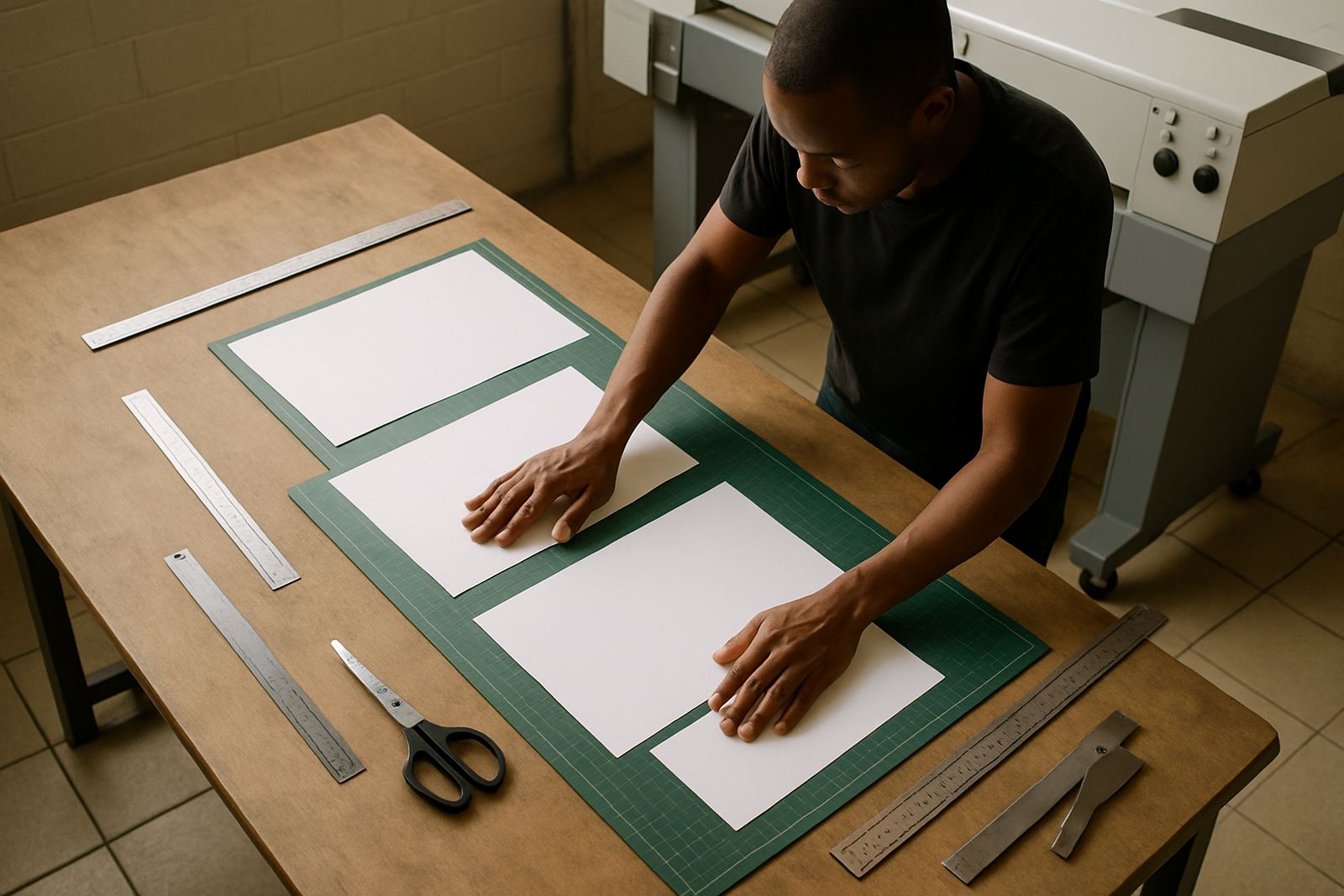
- Set artwork to the correct finished size before sending it
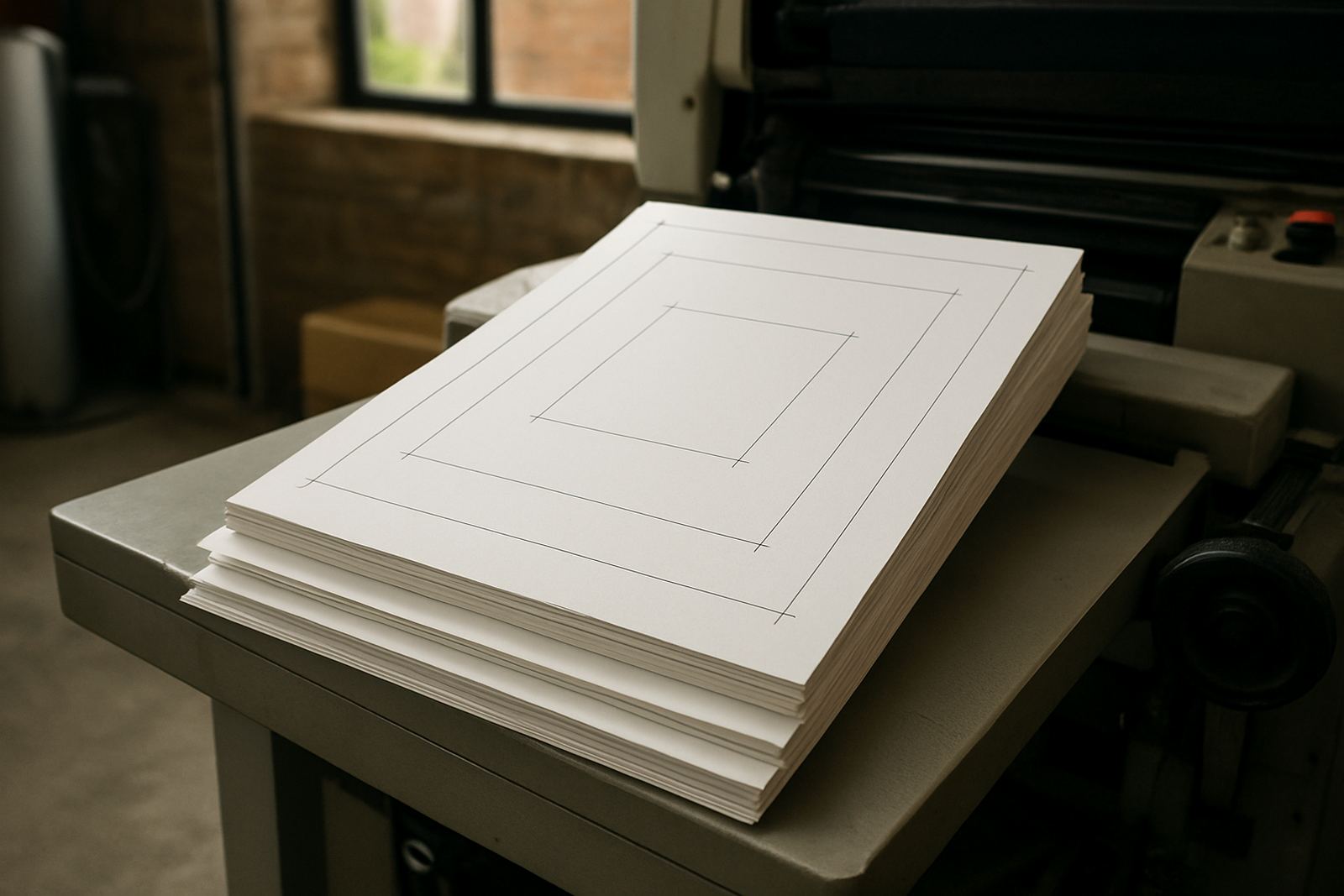
- Keep important text and logos inside safe margins
- Add bleed where required so trim edges stay clean
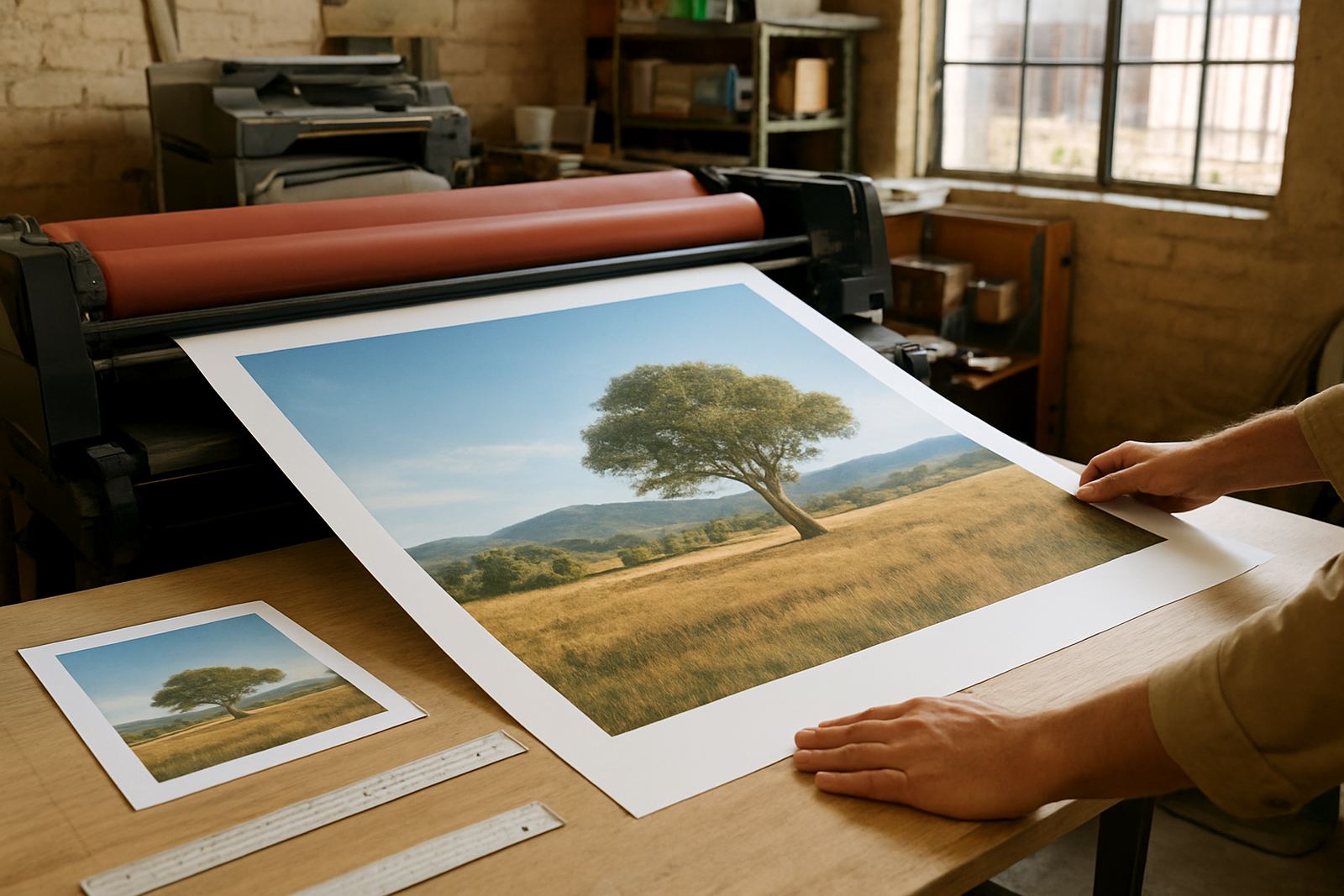
- Use clear image files, not screen grabs or compressed previews
- Check spelling, contact details and trading hours before approval
Artwork for digital print and finishing
Digital print is ideal for smaller runs, urgent reprints and updated promotions. It is also useful when you need more than one version, such as different branch details for Mogale City, Roodepoort or Westonaria. Good artwork helps us move quickly from proof to print without back-and-forth corrections.
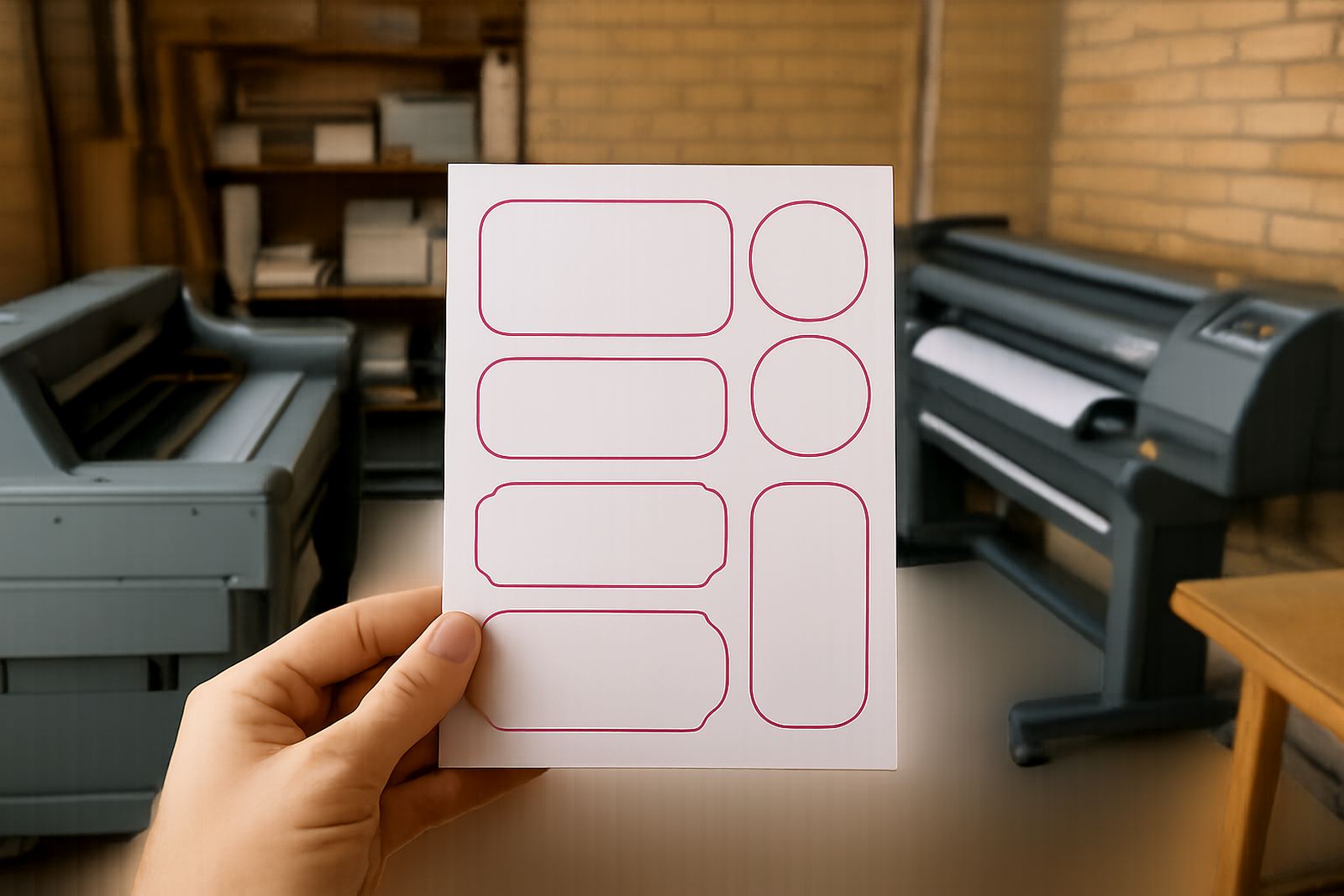
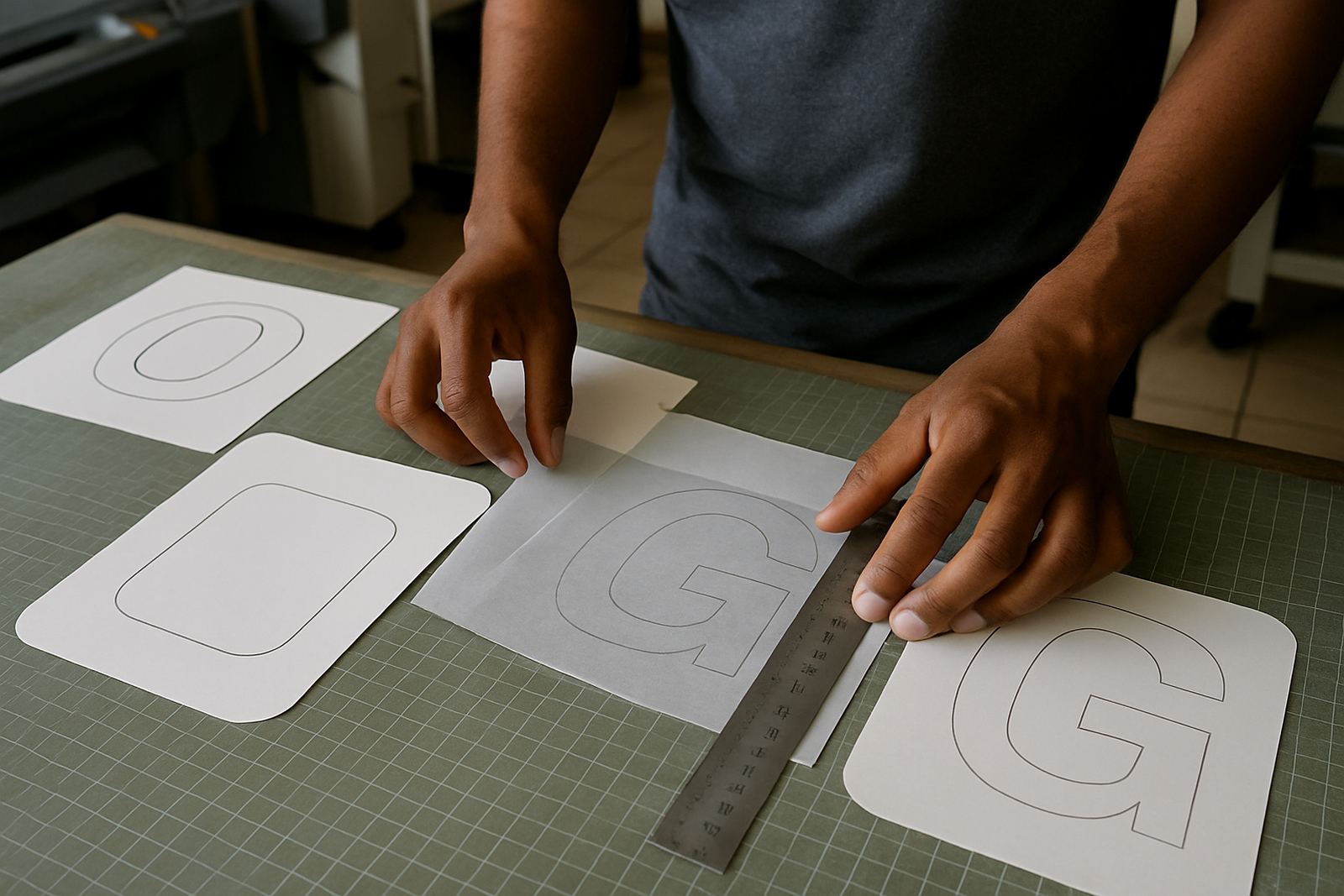
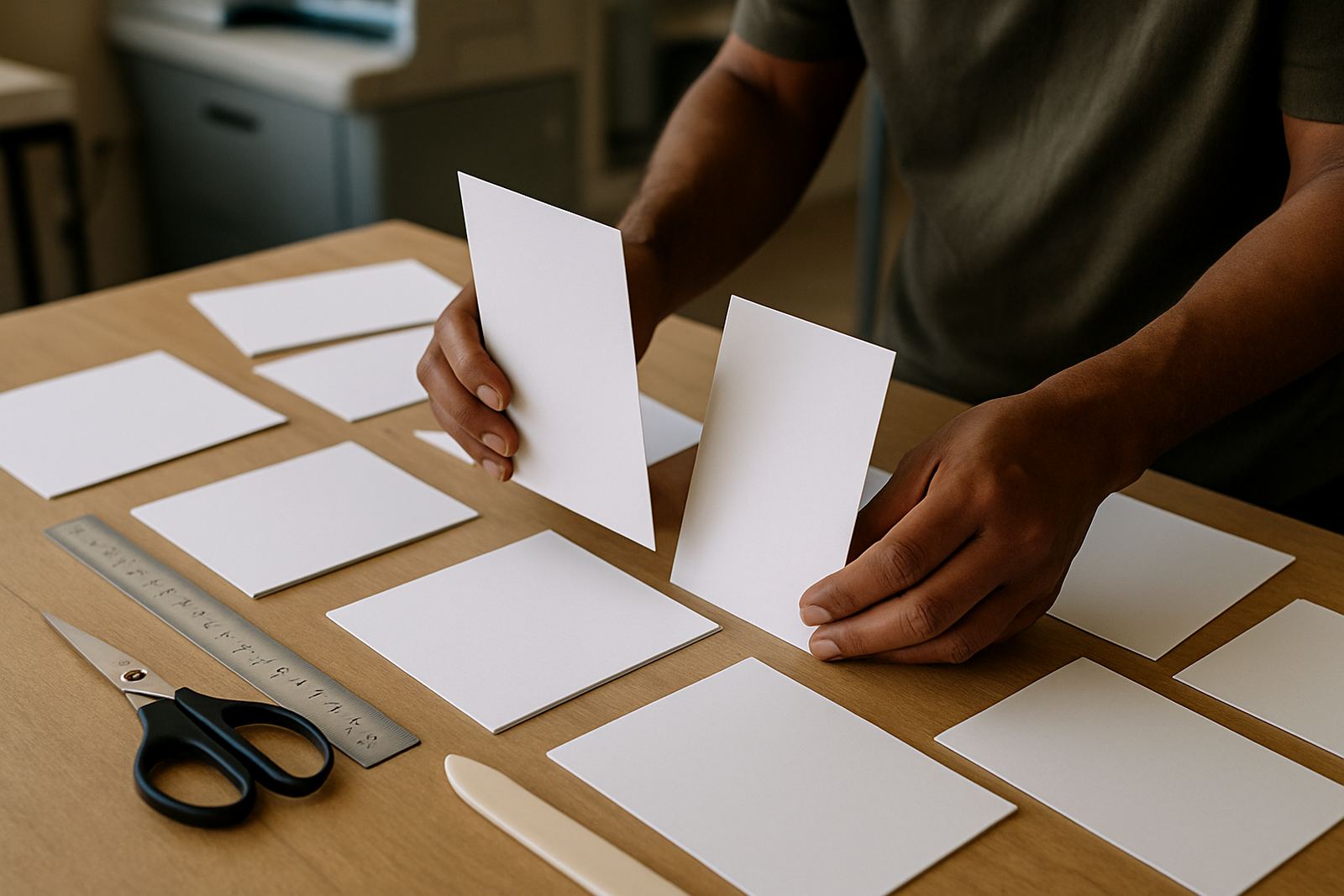
For finishing, the layout must allow for trimming, folding, lamination, drilling or mounting where needed. Sticker artwork should allow for cut lines and spacing, while banner artwork must stay legible from a distance. If a file is too busy or too tight, we can advise on adjustments before production starts. Sometimes a simpler layout prints beter and reads faster.
- Single-sided and double-sided layouts should be set up separately
- Use strong contrast for small text on cards and forms
- Keep fine lines away from trim edges on posters and flyers
- Leave room for staples, folds or holes on brochures and forms
Proofing, changes and print ready checks
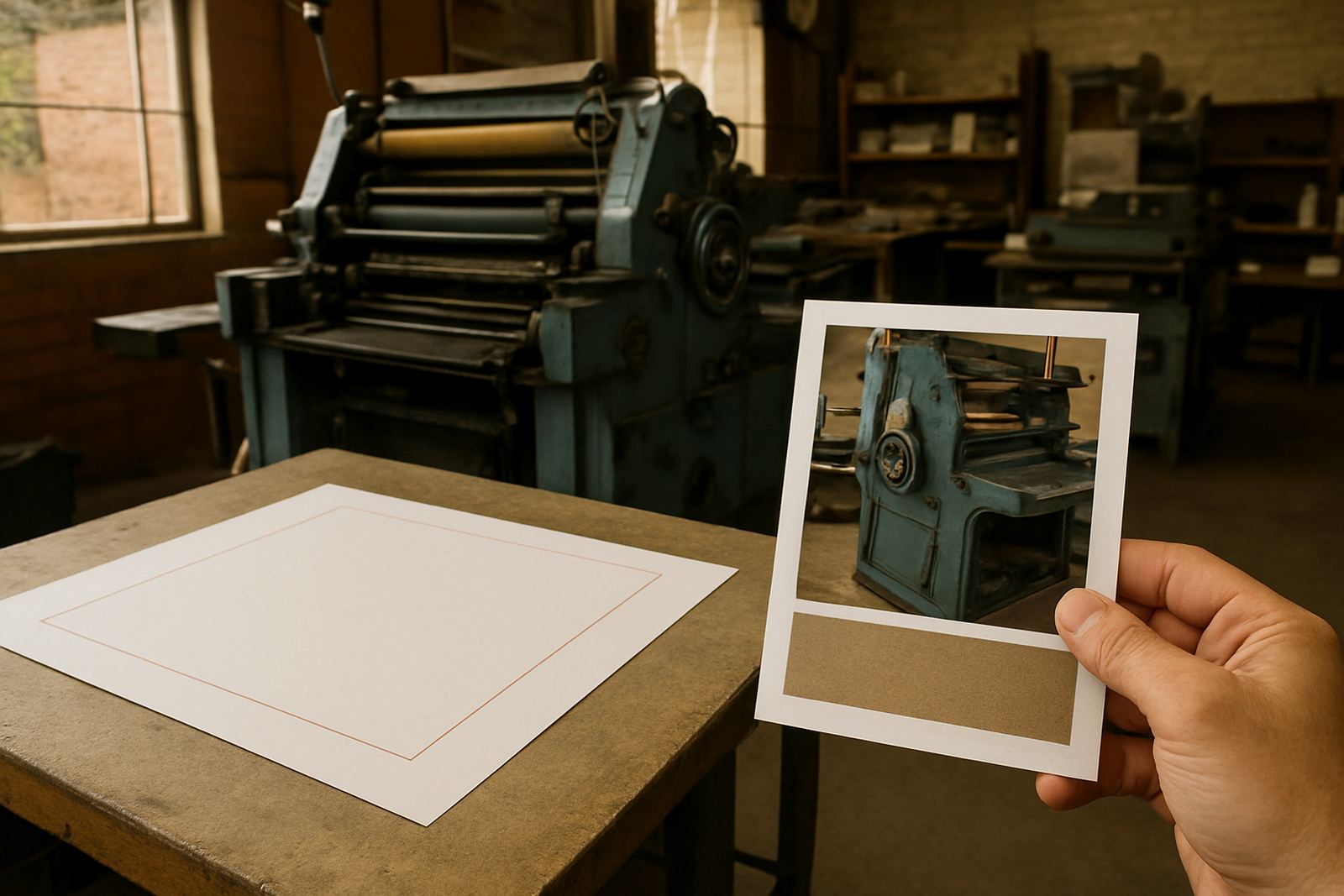
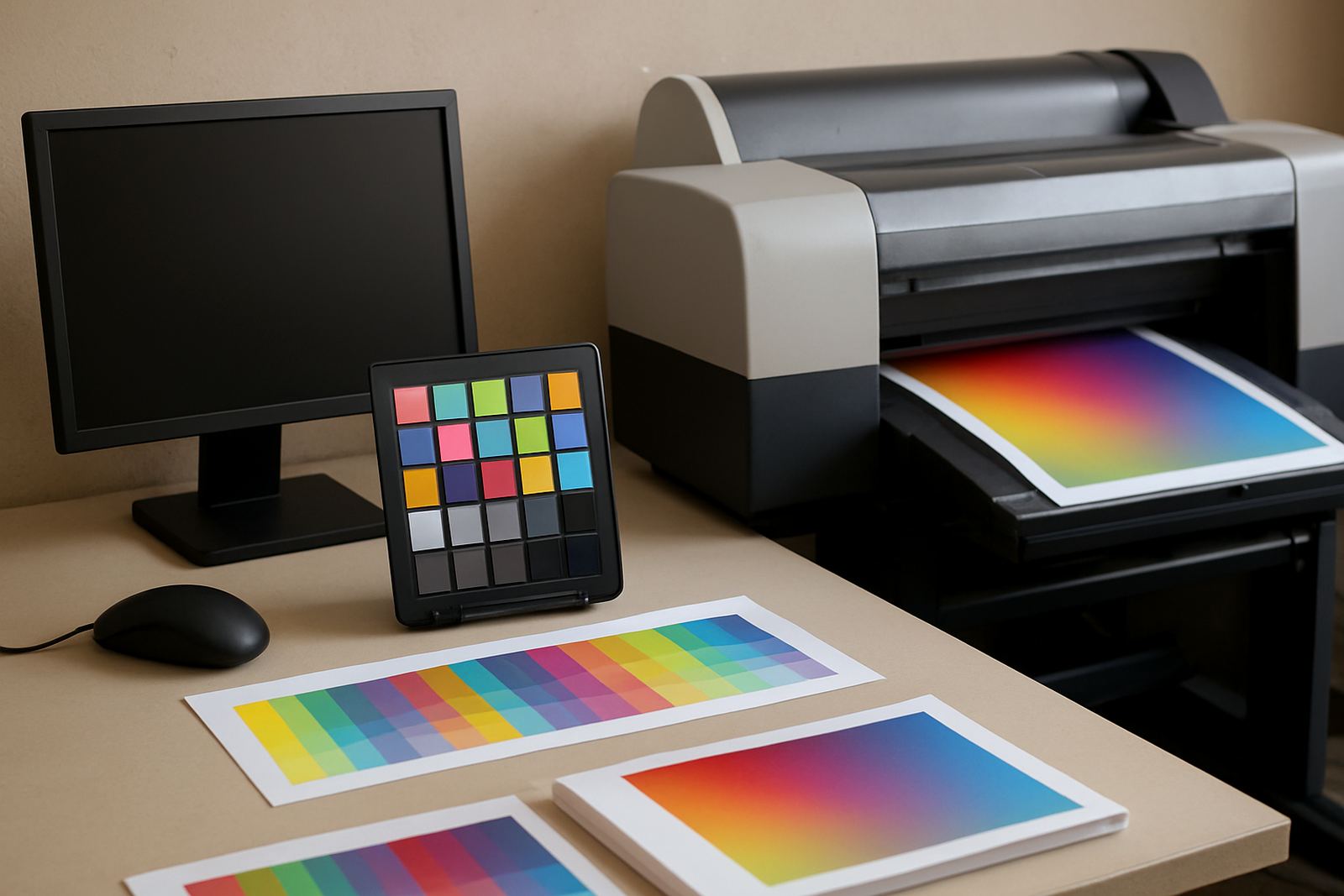
Before anything goes to print, we check the key details that matter most. That includes layout alignment, image quality, colour placement, spacing and whether the file is complete. If a logo has been redrawn or a menu updated, the proof should reflect the latest version only, not old content mixed with new content.
Our proofing updates are useful when a business has a rush change, a new price list or updated contact details. It is always better to catch errors on proof than on finished stock, especially when the order must go out to Greenhills, Toekomsrus or Mohlakeng by the same afternoon.
When to ask for help with artwork
Some files are easy to fix, while others need a proper redraw or layout adjustment. If your logo is blurry, your document was made in the wrong size, or your old brochure was saved from a photo rather than the source file, ask us to check it before you place the order. We also help with form design, menu layout and brochure layout when the content changes often.
Clients in Randfontein and surrounding towns use these guides to avoid guesswork and keep print jobs moving. Our team in the CBD base works with practical file checks every day, so we can point out what must change and what can stay as is.
- Bring us the latest text and images, not older versions
- Tell us if the item must be ready for urgent pickup
- Let us know if the artwork is for indoor use or outdoor use
- Share any special size, fold or finish requirements up front
How to use the guides before you send a brief
Read the guide first, then gather your content and check your file against the notes. That usually means confirming size, colours, final wording and the format of any images or logos. If you are unsure, send the details through the enquiry form on our contact page and explain what you need printed, where it will be used and how soon you need it.
For West Rand businesses, the aim is simple: fewer corrections, faster approval and a cleaner finished print. Whether you need business cards for a sales team, flyers for a street campaign or stickers for packaging, the right artwork setup makes the whole job easier.