
Start with type size that still holds on press
Black text looks simple, but the smaller it gets the more every detail matters. For most business print, 6 pt to 9 pt is the danger zone, especially where the wording is long or the font is light. If the copy must be read quickly, do not force it smaller just to fit the layout. Give the words room and trim the extra wording instead.
On a business card, 7 pt can work for secondary details if the font is clean and the line length is short. On forms and menus, 8 pt to 10 pt is usually safer for body copy. If you are printing for a Randfontein office where staff need to read a price, job code or reference number quickly, clarity beats squeezing in more lines. Thin fonts may look neat on screen, but in print they can break up or appear lighter than expected.
- Use larger type for phone numbers, prices and addresses.
- Keep long sentences out of very small text blocks.
- Choose one clear font family and avoid mixing too many styles.
- Leave enough white space around the text so it does not crowd other elements.
Choose black values that print as true black
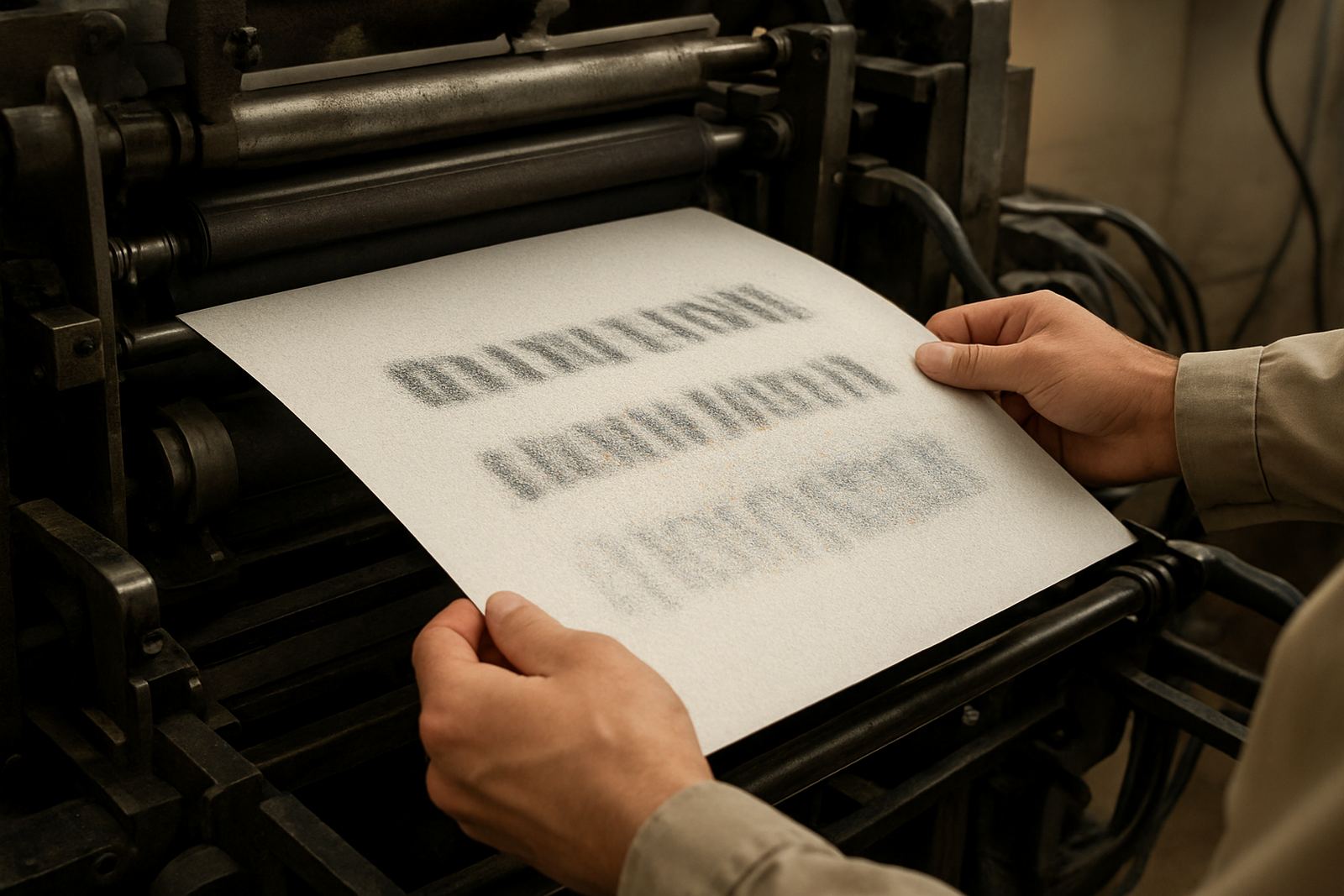
Not every black on screen prints the same way. A deep solid black is usually the cleanest choice for small text, while a mix of colours can shift slightly and make the edges less sharp. For tiny wording, a simple black build is often best because it gives stronger contrast against white or light paper. If the black is made from several colours, a slight register issue can cause blur or coloured edges.
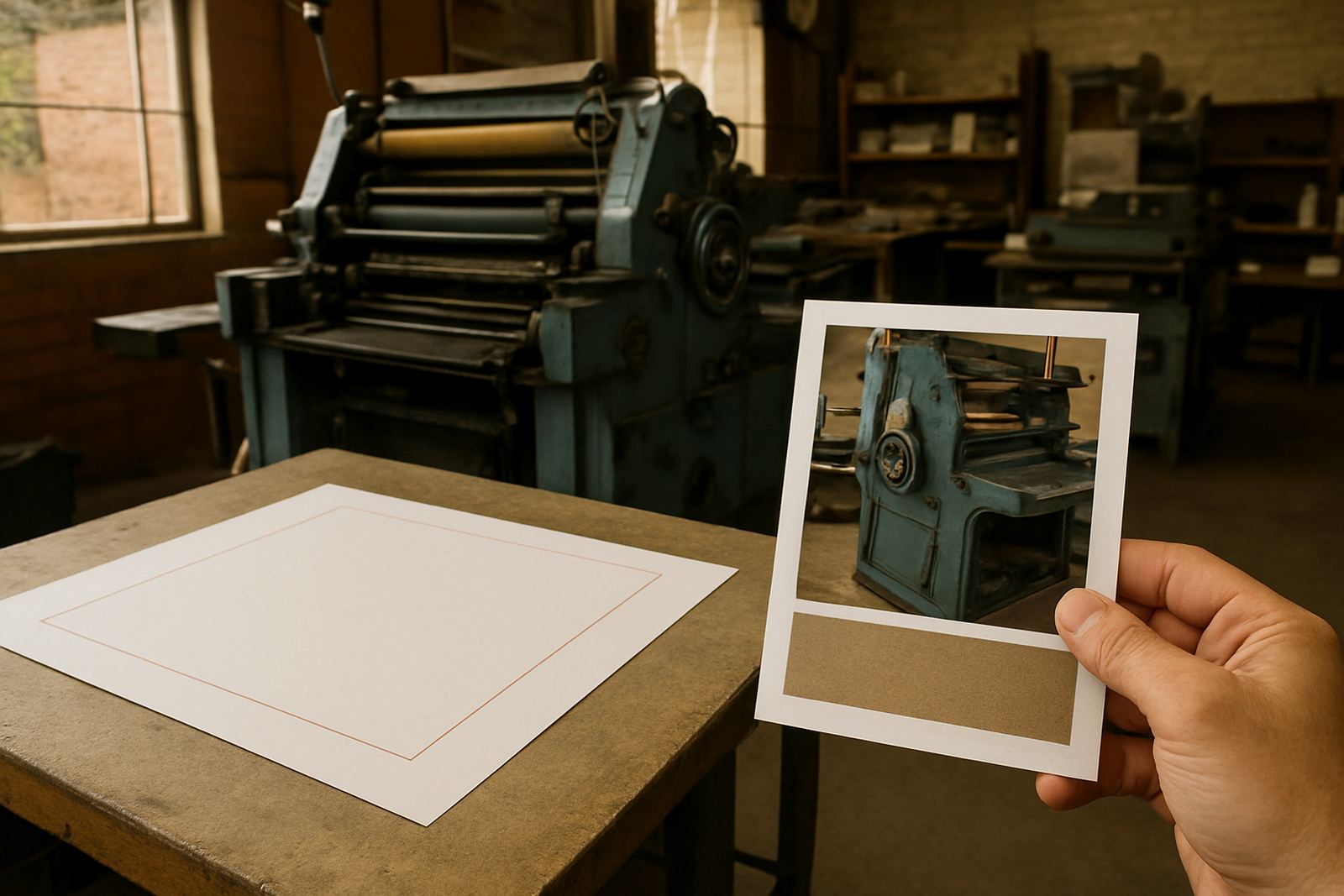
Paper choice matters as well. On uncoated stock, ink sinks in more and small text can lose crispness. On smoother coated paper the edges usually stay sharper. That is why a black line on a flyer can look fine, but the same line on a rougher stock may appear softer. If you are printing stickers for a local shop in Roodepoort or Mogale City, ask for the black to be checked against the final material before the full run goes ahead.
- Use one black build for small text unless there is a clear print reason not to.
- Avoid light grey for important wording.
- Test black text on the actual paper or label stock where possible.
- Keep backgrounds light when the text must be read at a glance.
Keep fonts clean, open and print friendly
Fonts with open shapes usually hold up better than decorative or compressed styles. Small black text needs clear counters, stable stroke widths and enough spacing between letters. Narrow fonts can look smart on a poster, but at small sizes they can fill in or lose definition. That is a problem on appointment cards, product labels and printed forms where the information must be read fast.
Font spacing also plays a big part. Tight letter spacing can make black text clump together, while too much spacing can make words look broken. The best result is often a modest, even spacing with a regular weight. For a short heading you can use a bolder style, but for paragraphs and instructions keep it plain and legible. If the text is meant for a printer queue in Westonaria or Greenhills, remember that practical reading conditions are not the same as looking at artwork on a bright screen.
- Use regular or medium weights for small copy.
- Avoid ultra-light, condensed or highly decorative fonts.
- Check that counters inside letters like a, e, o and p stay open.
- Do not stretch or squash the font to fit the space.
Build enough contrast around the words
Black text only works well when the space around it helps the eye. Dark blocks, patterned backgrounds and busy images can all reduce readability. If the black wording sits over a tinted area, the result may still be usable on screen but weak in print. The cleaner the background, the easier it is for the text to stay sharp. This is especially important for instruction sheets, price lists and labels with small notes.
A plain white or very light background is usually the safest option. If colour has to sit behind the text, keep it pale and steady, and leave a clear margin around the copy. Fine lines, logos and textures near tiny text can create visual noise. On business print for Krugersdorp or Mogale City, that extra noise often shows up more once the sheet is trimmed and handled. Black text should stand on its own, not fight for attention.
Set up artwork for print, not only for viewing on screen
Small black text can look fine in a file and still print badly if the artwork is not set up properly. Make sure the text is converted and placed cleanly, with no low-resolution screenshots or copied text from a web image. When the file is saved for print, the sharpness of the letters must remain intact. Rasterised text is one of the quickest ways to lose edge detail.
Proofing is worth the time. Look for missing letters, spacing problems and words that sit too close to folds, cuts or punch holes. On folded flyers, the crease can distort tiny text if it is placed too close to the fold line. For stickers and forms, check that the smallest copy is still readable after trimming. One small typo or spacing mistake in a short note can stand out more than a larger headline, so proof the fine print carefully.
- Keep text as proper editable text until final print preparation.
- Check spelling, spacing and punctuation line by line.
- Allow safe margins around cut lines and folds.
- Review the final proof at full size, not only zoomed in.
Use the right stock and finish for the job
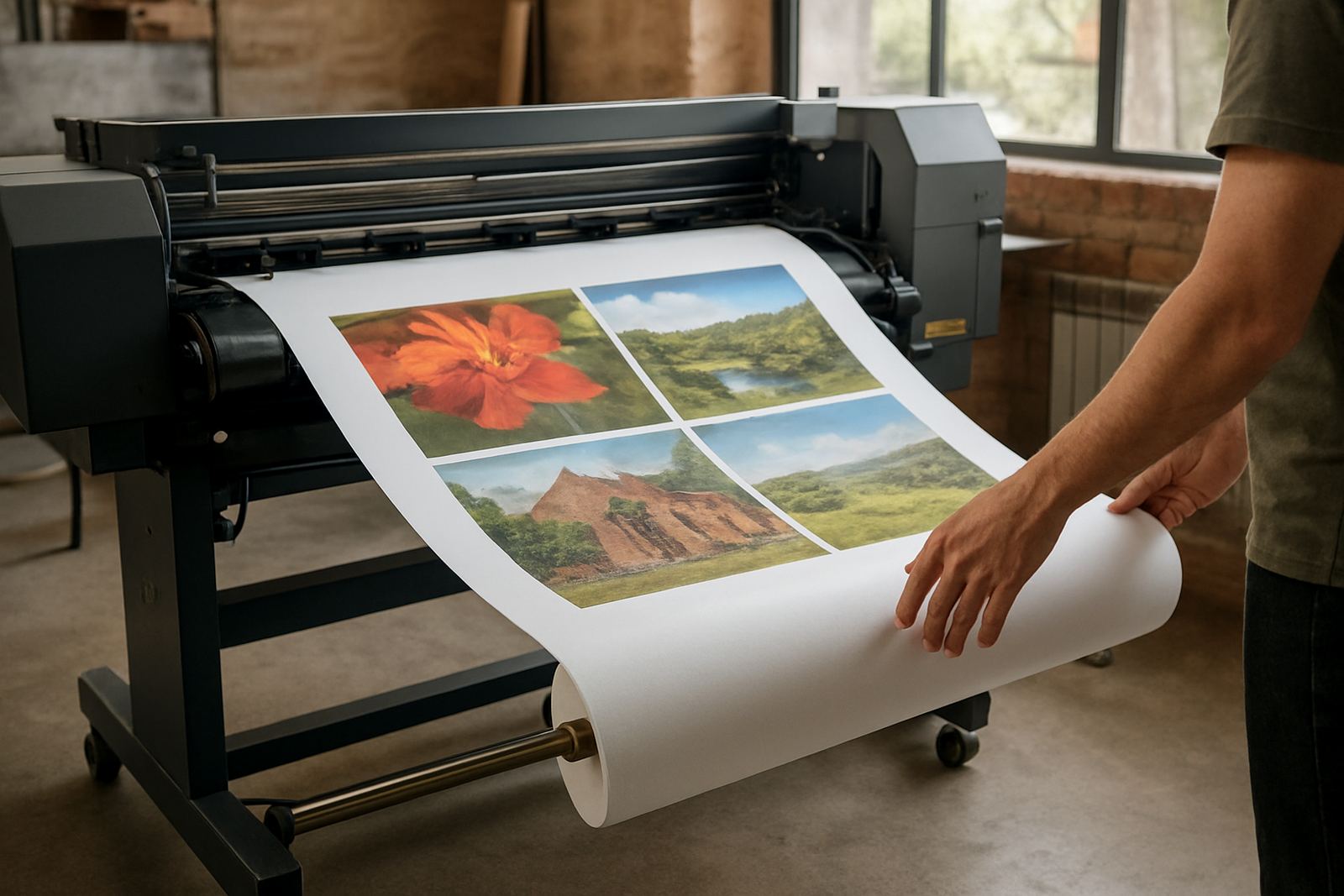
Paper weight and finish can change the way black text reads once printed. A smooth, heavier stock usually gives better definition than a flimsy sheet that curls or absorbs too much ink. For business cards, a firm stock helps the text stay neat in the hand and in a wallet. For posters or flyers, the finish should suit the viewing distance and the lighting where the item will be used.
Humidity can also affect handling, especially in busy offices and delivery points around Randfontein CBD and nearby areas. Paper left open for too long may take up moisture and shift slightly. That can affect alignment on fine text jobs, so storage and handling matter. If a notice is going up in a shop, office or municipal notice board, choose a finish that reduces glare and keeps the wording clear under real light conditions.
- Choose smoother stock when the text is very small.
- Keep printed stock dry and flat before distribution.
- Avoid glossy glare where people must read from an angle.
- Match the finish to the viewing distance and use case.
Quick checklist before you send black text to print
Before a black text job is approved, run through a short checklist. This saves time and helps avoid reprints, especially when the order needs to go out quickly for a local event, office update or store promotion. Small text is unforgiving, so it pays to check the details before the file is released.
- Is the smallest text still readable at arm’s length?
- Does the font stay open and clear in the final size?
- Is the background light enough for strong contrast?
- Are the margins safe from trimming, folding or punching?
- Have spelling, prices, dates and contact details been checked twice?
- Is the file prepared for the correct paper or sticker stock?
If the answer to any of those points is no, fix it before print. That is the simplest way to keep black text sharp on business cards, flyers, posters, banners and stickers across the West Rand.