Start With the Right File Before You Upload
Before you send anything, check what the file is meant for. A business card, flyer, poster, banner or sticker each needs a different setup and the file size can grow fast if the artwork was saved with too many images, layers or unused pages. For local businesses in Randfontein, Krugersdorp, Westonaria, Mogale City and Roodepoort, the best approach is to prepare the file once, then send it in a way that keeps it intact.
For print, the safest file is usually a final PDF that has been exported with bleed, crop marks where needed and all images at print quality. If you are sending design files instead of a PDF, make sure the images are linked correctly and the fonts are available. A neat file saves time at proofing stage and helps avoid back-and-forth when you need same-day digital print.
Pack Fonts, Images and Links Properly
Many artwork problems start with missing fonts or picture links. If you used text from a design app and did not convert it to outlines or embed the fonts, the layout can change when the file is opened on another computer. The same applies to placed images. If a linked file is sitting on your laptop in a different folder, the artwork may open with blank boxes or low quality previews.
Use this checklist before sending:
- Convert text to outlines or package the fonts with the file
- Embed or collect all linked images in one folder
- Keep the final artwork and support files together
- Check that all images are sharp enough for the final size
- Remove unused layers, hidden test pages and old versions
If you are not sure whether the artwork is print ready, ask for a proofing update before you submit the job. It is better to fix a file once than to discover a problem after printing has started.
Choose a File Format That Travels Well
Large files are easier to handle when the format is right. A PDF is usually the best choice for finished artwork because it keeps the layout stable and is easier to send through upload forms. For artwork with complex edits, a packaged source file can also help, but only if all support files are included and clearly named. Sending a loose file with no images or fonts attached often causes delays.
Good file naming also matters. Keep it simple, so the file can be found quickly on both sides. Use a name that tells the story of the job, for example business-card-randfontein-final.pdf or banner-westonaria-v2.pdf. Avoid very long names with special characters. If you send several versions, say which one is approved, otherwise the wrong file can end up being used.
Make Large Artwork Easier to Upload
Sometimes the file is correct but just too heavy for a quick upload. High resolution images, large background photos and unnecessary effects can make the artwork much bigger than it needs to be. Before sending, flatten effects that do not need to stay editable, remove duplicate images and save only the pages you need. That can cut the size down a lot without affecting the finished print.
Use these practical steps when the file is still too large:
- Export a press ready PDF with compression set correctly
- Resize oversized photos before placing them in the artwork
- Save separate jobs as separate files instead of one huge document
- Delete old revisions from the package
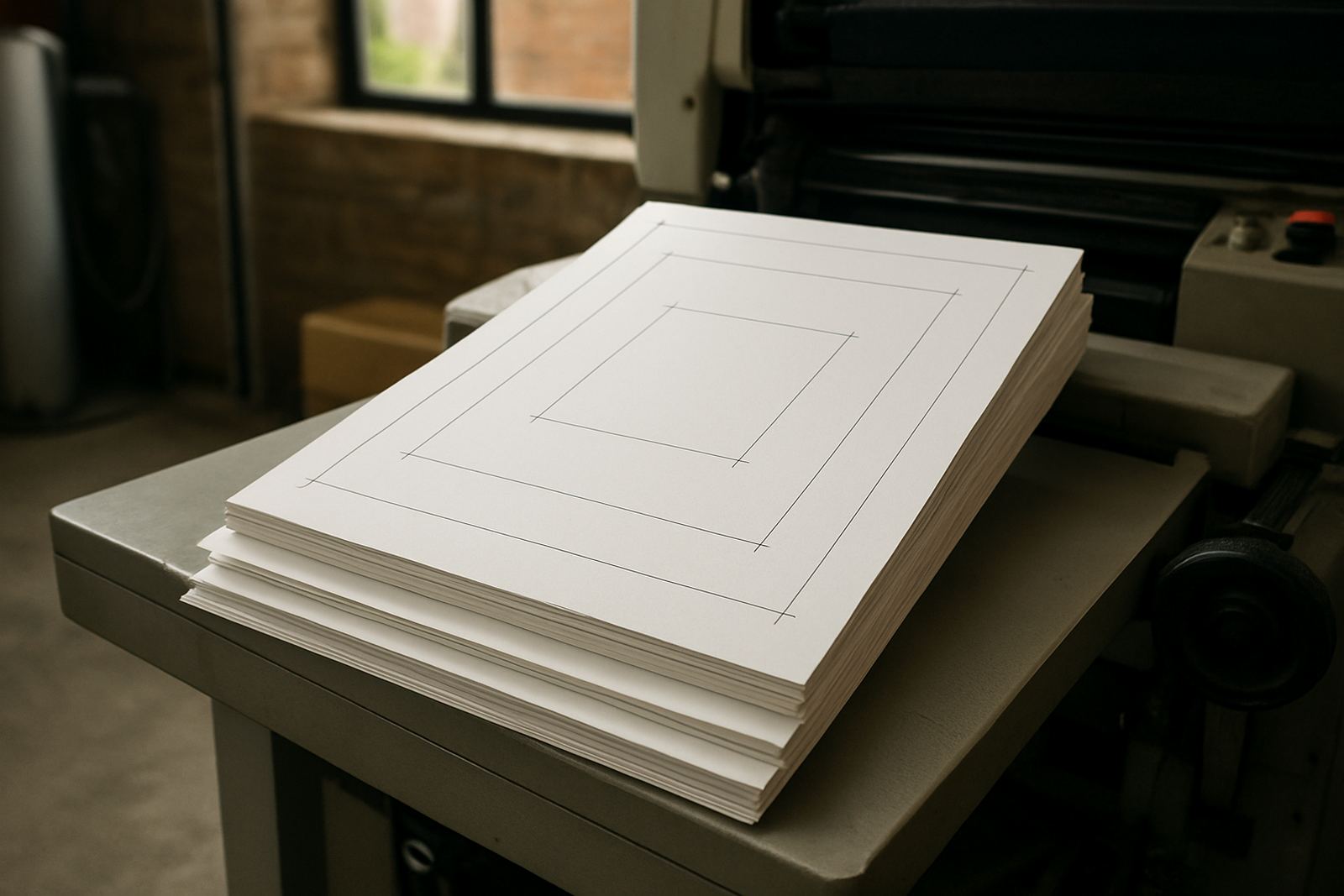
- Check that the bleed is enough, usually 3 mm to 5 mm for most work
If you are sending a banner or poster for a shop front, make sure the artwork is set up at the correct size or scale. A file that is too large can be harder to handle and slower to open, especially when load-shedding affects office workflow and people are working on battery backup.
Use the Enquiry Form the Smart Way
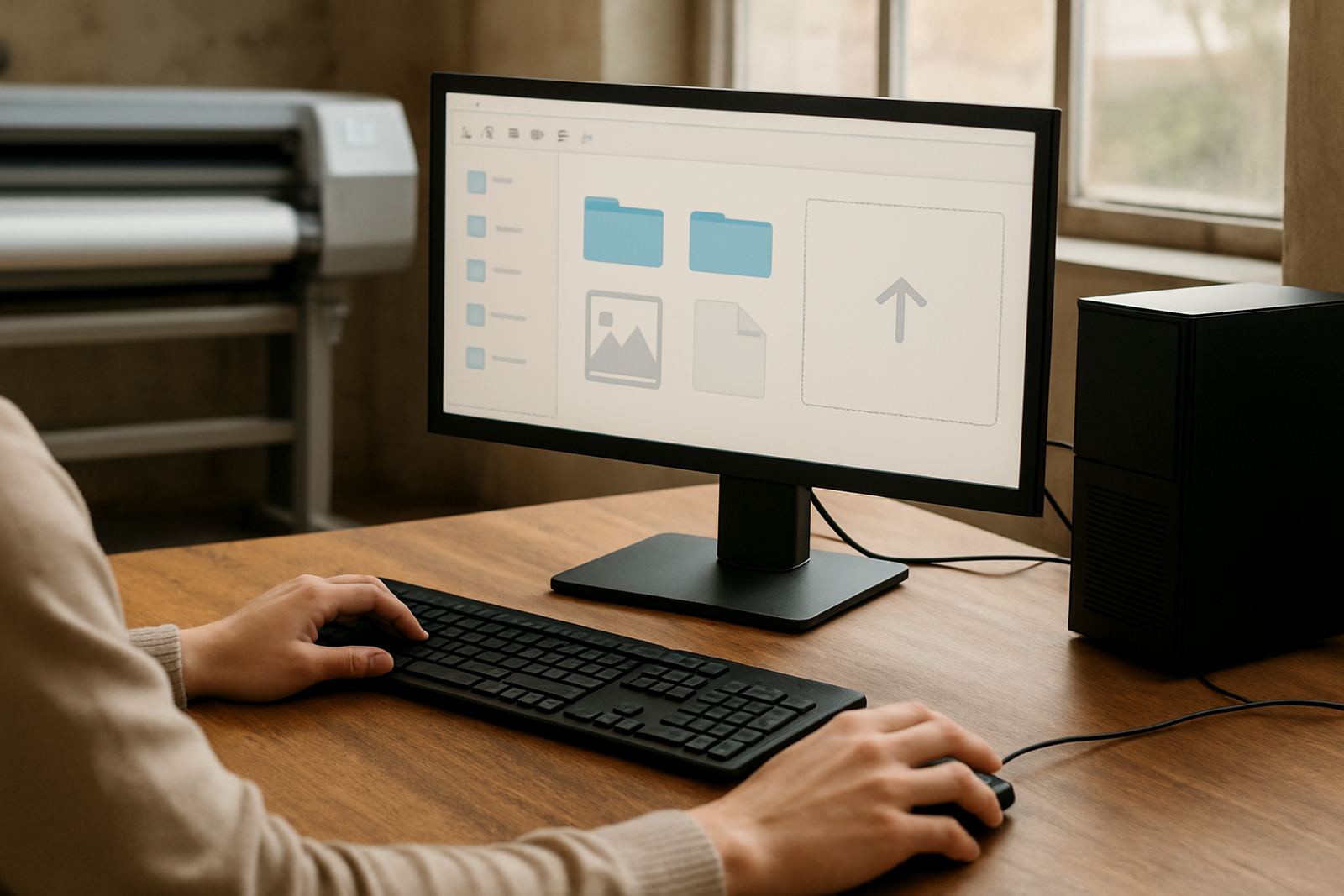
The enquiry form on the contact page is the easiest way to send large files to @Print. It gives you one place to add your details, describe the job and tell us what you need printed. If the file is too large for the form, note that in your message and send the artwork in the supported way requested. That keeps the job linked to the correct enquiry from the start.
When filling in the form, be clear about the size, quantity, paper, finish and deadline. If the print is for a business in the Randfontein CBD or nearby areas like Greenhills, Toekomsrus or Mohlakeng, say whether you need collection or delivery planning. The more detail you give upfront, the easier it is to confirm turnaround and prepare the artwork without extra calls or messages.
What to Check Before You Hit Send
A quick final check can save a full reprint. Open the file one more time and zoom in on the small text, logos and linework. Look for spelling mistakes, low resolution images and objects that sit too close to the edge. If the file contains a barcode, QR code or form fields, test them before sending because these items are easy to overlook. Also check that colours are set correctly and not left in a screen-only mode.
Final pre-send checklist:
- Correct version selected
- Fonts outlined or supplied
- Images linked or embedded
- Bleed and trim checked
- Small text readable at final size
- Contact details and addresses accurate
- Proof approved before print
A careful last look is especially useful for brochures, menus and forms where a small error can affect a whole run. If you need artwork redraws or proofing updates, sort those out before sending the final file. It keeps production moving and helps the team get your print work done without delays, even when the week is busy.