
Choose the right flyer size before you start layout
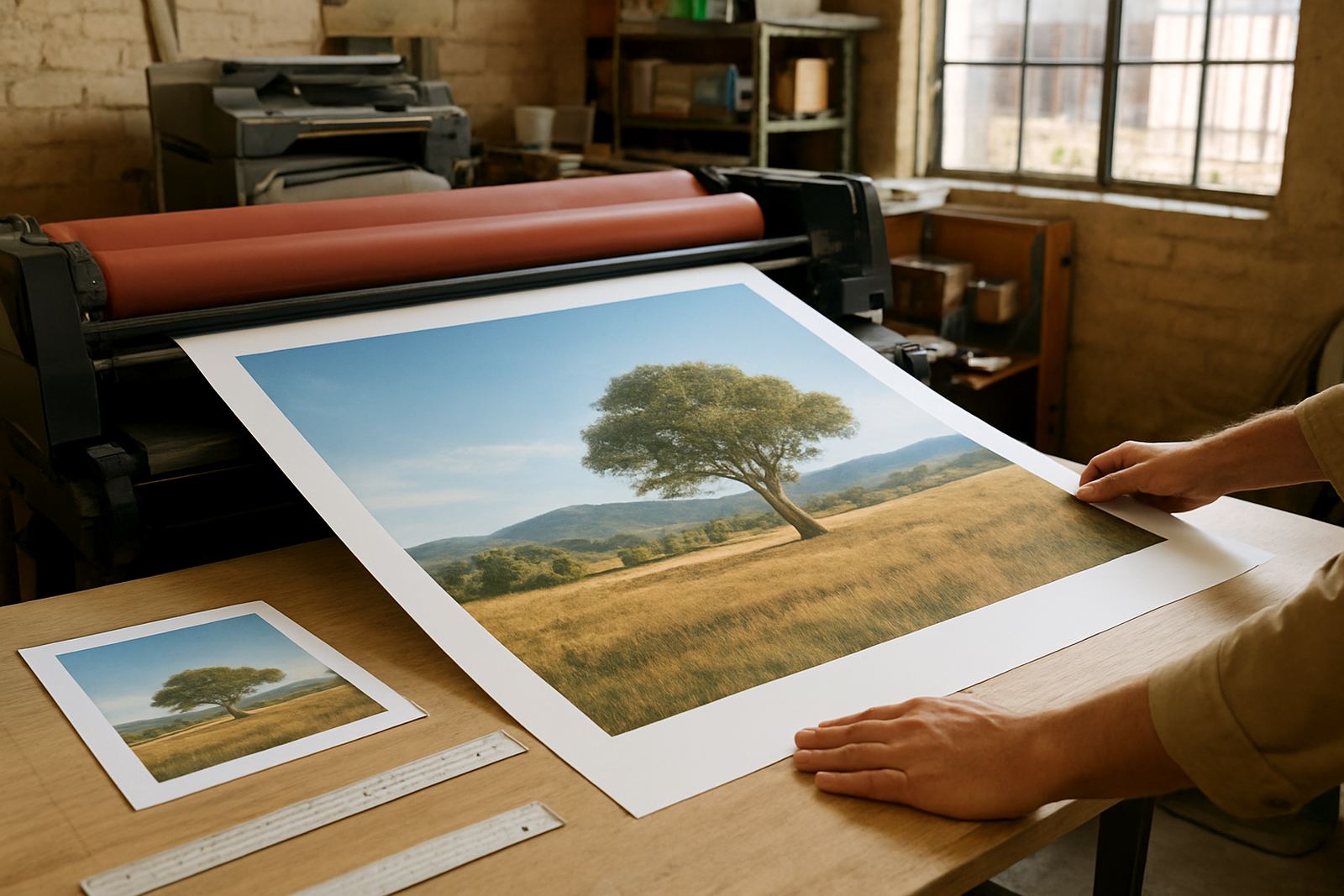
The first step is to decide where the flyer will be handed out and how much detail it needs to hold. A6 works well for short offers, event reminders and special promotions. A5 gives you more room for pictures, prices and short service lists. A4 is best when you need a fuller message, such as a price sheet, product range or a launch special that needs more visual space.
For businesses in Randfontein CBD, Krugersdorp, Westonaria, Mogale City and Roodepoort, the best size often depends on how the flyer will be used. If it is going into a counter pile or delivered door to door, A5 is usually practical. If it is pinned up on a notice board or inserted into a file, A4 may be better. Keep the message focused. A flyer that tries to say too much can look crowded, especially once print and trimming are done.
- A6: 105 x 148 mm, compact and cost effective
- A5: 148 x 210 mm, good for offers and service summaries
- A4: 210 x 297 mm, suitable for detailed information
- Decide orientation early, portrait or landscape
- Leave room for the main heading, image and call to action
Set up the file with bleed, trim and safe margins
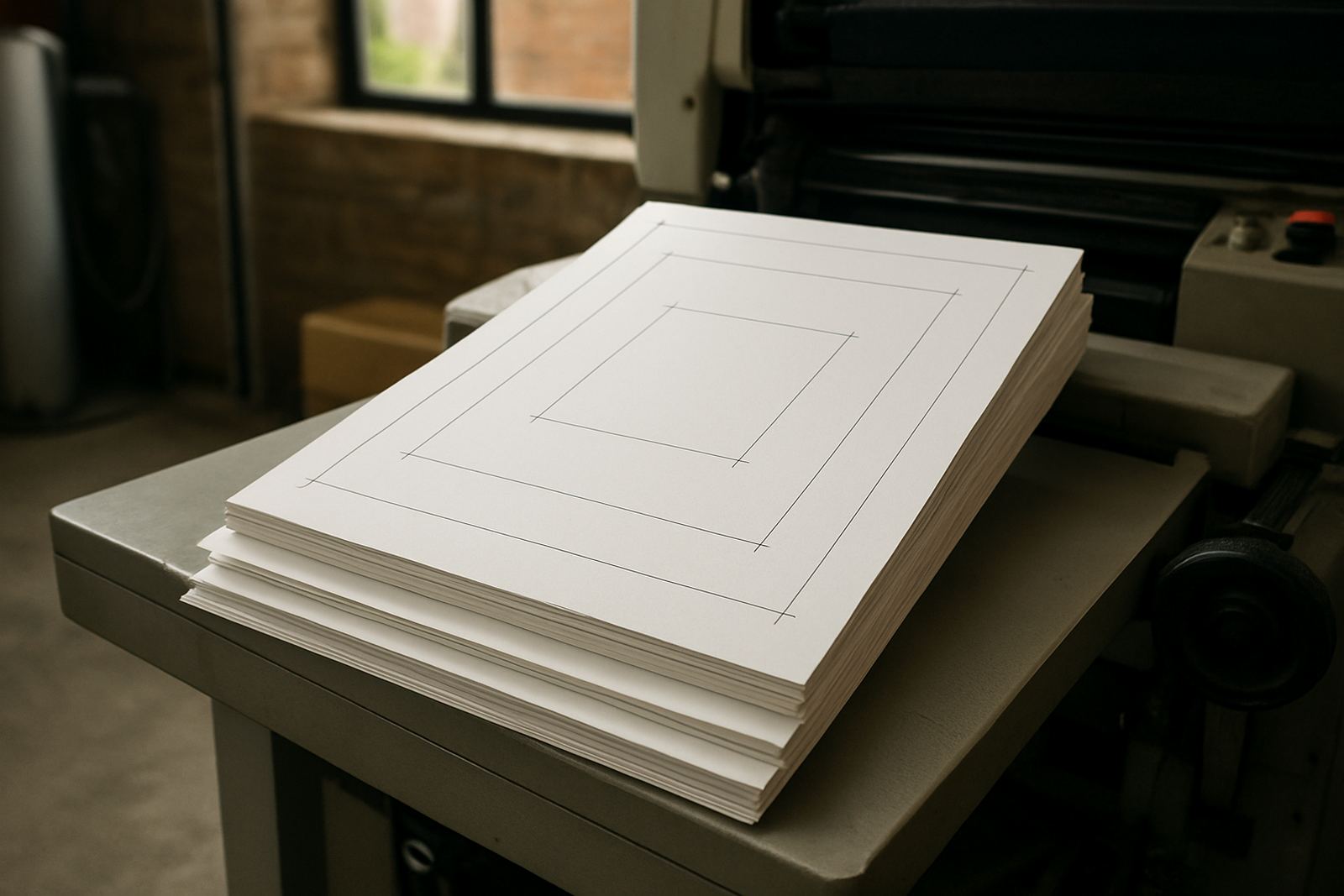
For clean output, your flyer file must include bleed. Bleed is the extra artwork that extends past the final trim edge so there are no white lines after cutting. Add 3 mm bleed on every side. Keep text, logos and key details inside a safe margin of at least 5 mm from the edge. If your design has a coloured background or full photo, let it run into the bleed area right to the edge.
Trim marks should be included only if requested and the file must show the final size clearly. Do not place important text too close to the border. When flyers are guillotined in batches, even a small shift can make a border look uneven. For same-day digital print jobs, a clean layout saves time at production and reduces the chance of corrections later on.
- Bleed: 3 mm on all sides
- Safe margin: at least 5 mm
- Final size must match A6, A5 or A4 exactly
- Use a solid background or full image beyond the trim line
- Keep borders away from the edge if you want an even look
Use print friendly images, text and colours
Digital print needs clear artwork, not web images saved from a screen. Use images at 300 dpi at final size for sharp results. Low quality pictures can look soft or blocky once printed. Logos should be supplied as high quality artwork so the edges stay clean and the colours hold properly. If you are using small text, keep it simple and avoid overly thin fonts that may fill in when printed.
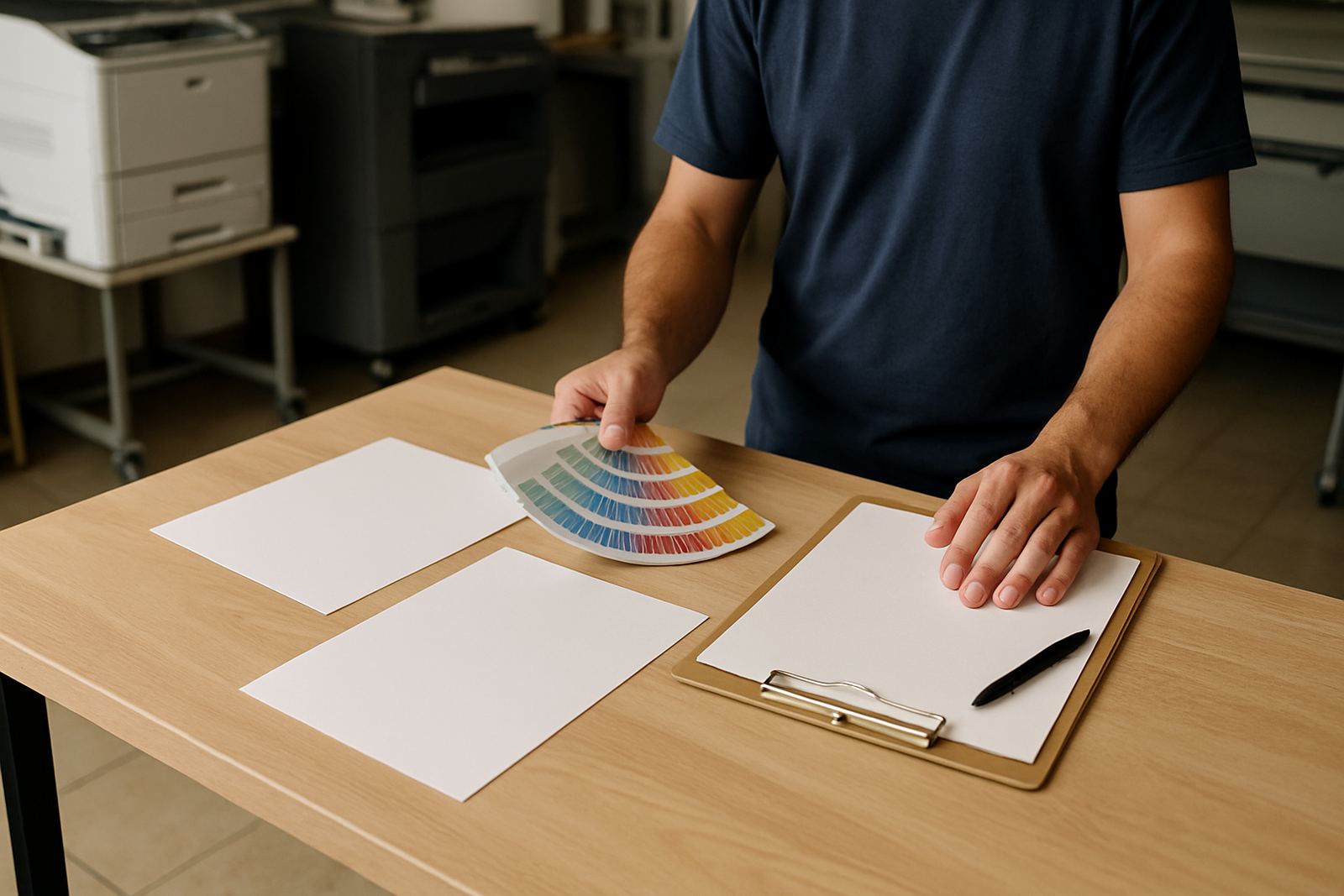
Colour should be set up for print, not screen. Some bright colours on a monitor will not look the same on paper. Deep black backgrounds, pale greys and strong reds can all print well, but they need careful setup. If your flyer will be handed out in shopping areas, at school gates or on poles near industrial sites, strong contrast helps the message stand out in daylight.
- Images: 300 dpi at the final flyer size
- Use CMYK colour mode for print files
- Keep small text legible, minimum 7 to 8 pt where possible
- Avoid stretched pictures and blurry logos
- Choose contrast that works in bright light
Prepare copy that reads fast and sells the point
Flyers are read quickly, often in a few seconds. The heading must say what the offer is straight away. Put the most important detail near the top, such as the special price, service or event date. If the flyer is for a local business in Mogale City or Roodepoort, name the area clearly so people know the offer applies nearby. Keep paragraphs short and use line breaks for services, dates and pricing.
Include one clear call to action. It may be a contact form, a walk in visit, a booking request or an enquiry through the website. Keep the wording practical. People respond better to plain instructions than to long marketing lines. For example, if you need customers to bring a sample, state it. If the special only runs for a short period, state the closing date. That avoids confusion and reduces back and forth later.
- Lead with the main offer or service
- Keep sentences short and direct
- Use one strong call to action
- Add dates, prices and area names clearly
- Remove any detail that does not help the sale
Check the file before sending it for print
Before you submit your flyer artwork, check spelling, spacing and alignment. Proofread names, prices, dates, web addresses and contact details. A missing digit on a price or an incorrect suburb name can create problems once the flyers are printed. If your flyer includes a map or location note, make sure the directions are current. This matters for businesses serving Randfontein CBD, Greenhills, Toekomsrus and Mohlakeng where customers often rely on local directions.
It also helps to view the flyer at actual size on screen. If the text looks cramped on a monitor, it will usually feel cramped in print too. Check that backgrounds are even, images are not pixelated and no important content falls outside the safe area. If you are unsure about a final proof, ask for a review before production starts. A small update now is easier than reprinting later.
- Check spelling, phone numbers and prices
- View the layout at full size before approval
- Confirm the right suburb, event date or branch name
- Make sure images are sharp and nothing is cut off
- Approve only when the proof looks right
Quick checklist for A6, A5 and A4 flyer files
Use this checklist before you send artwork for printing. It works for single sided and double sided flyers, whether the job is a short digital run or a larger batch. If you are preparing artwork for a launch, promotion or seasonal special, this list helps keep the file tidy and print ready. It also saves time when load-shedding or last-minute changes make the day a bit hectic.
- Final size set correctly: A6, A5 or A4
- Bleed added: 3 mm on every side
- Safe margin kept for text and logos
- Images at 300 dpi
- Text checked for spelling and spacing
- Colours set for print use
- All fonts outlined or packaged if needed
- Exported as the correct print file type
If your flyer needs logo refreshes, artwork redraws or proofing updates, it is better to sort those before the print run starts. Clean artwork makes the press stage faster and the finished piece looks more professional. For West Rand businesses that need quick turnaround, a well prepared file is the easiest way to keep things on schedule.