Start With the Right Banner Size and Type
Before you open your artwork file, confirm what kind of banner you need. A pull up banner, also called a retractable banner, has a fixed visible area and sits inside a stand. A vinyl banner is usually finished with eyelets, taped edges or a pole pocket, depending on where it will hang. The file setup is not the same, so this first step matters.
For businesses in the West Rand, the most common issue is sending one design for every size. A banner for a shopfront in Randfontein CBD may need a long, narrow layout while a road-facing vinyl banner on a boundary wall may need bigger type and stronger spacing. Check where the banner will be used, how far people will stand from it and whether wind, rain or indoor lighting will affect the final result.
- Confirm the finished size in millimetres, not only in metres or inches.
- Ask whether the banner is for indoor or outdoor use.
- Check if the printer needs bleed, safe area or finishing allowance.
- Allow for the stand height on pull up banners so the artwork does not sit too high or too low.
Set Up Artwork So It Prints Cleanly
Design your banner at full size where possible, or at a scale the printer has confirmed. Keep the canvas square and measured accurately. A vinyl banner used at a construction site or shop frontage must have artwork that still reads clearly from several metres away. Tiny text, thin lines and crowded layouts usually fail once the banner is up.
Use strong contrast and keep the message simple. Headings, phone details, website names and short service lines are usually enough. If you pack too much into the design, the banner becomes hard to read from a moving vehicle or through a car windscreen. This is especially important for roadside use in Roodepoort or around busy routes in Mogale City where people only get a few seconds to notice your message.
- Use clear fonts that stay legible at distance.
- Keep text away from edges and eyelet positions.
- Leave enough white space around logos and key lines.
- Do not place important details in the bottom strip of a pull up banner where the base may cover part of the design.
Bleed, Safe Area and Finishing Allowance
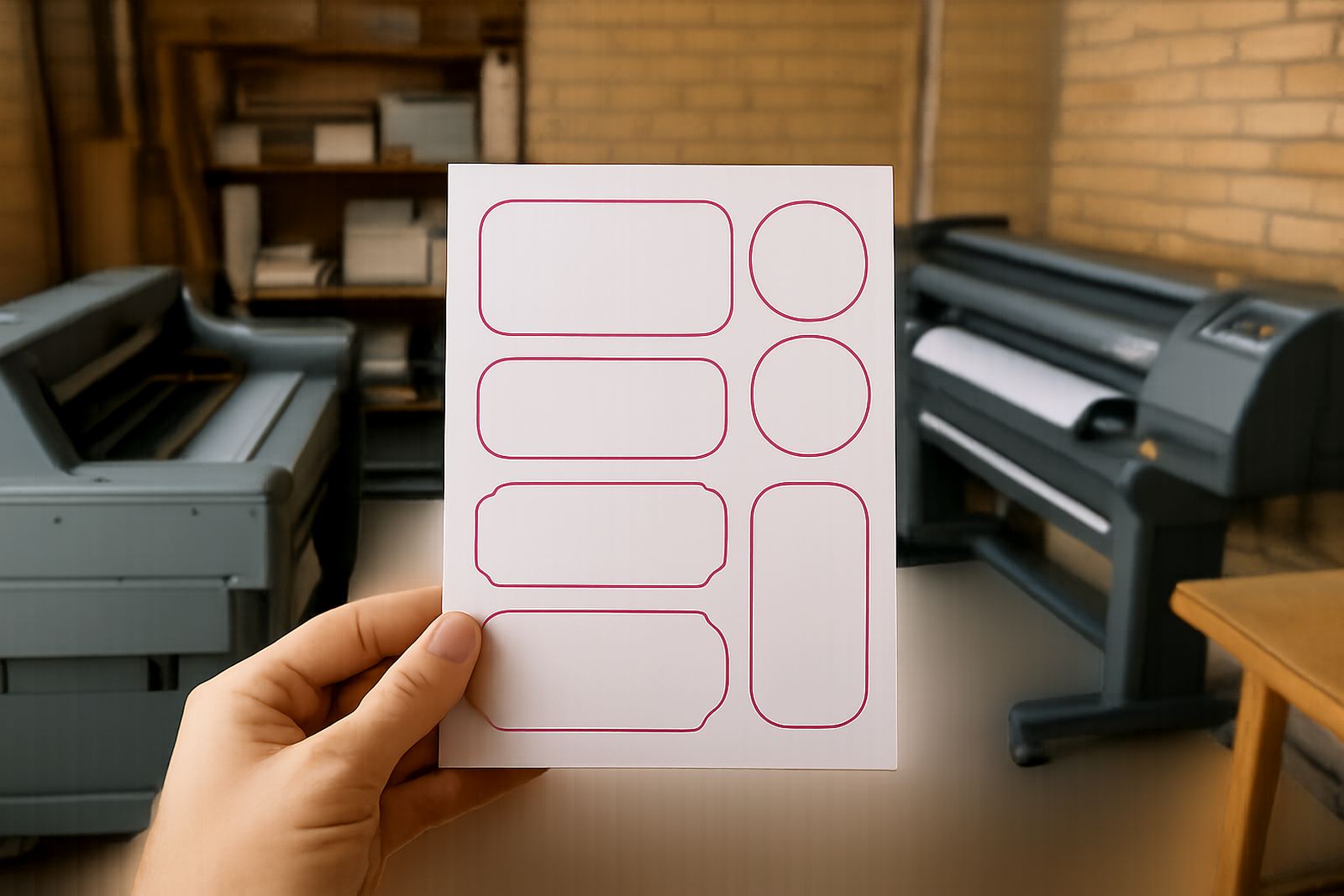
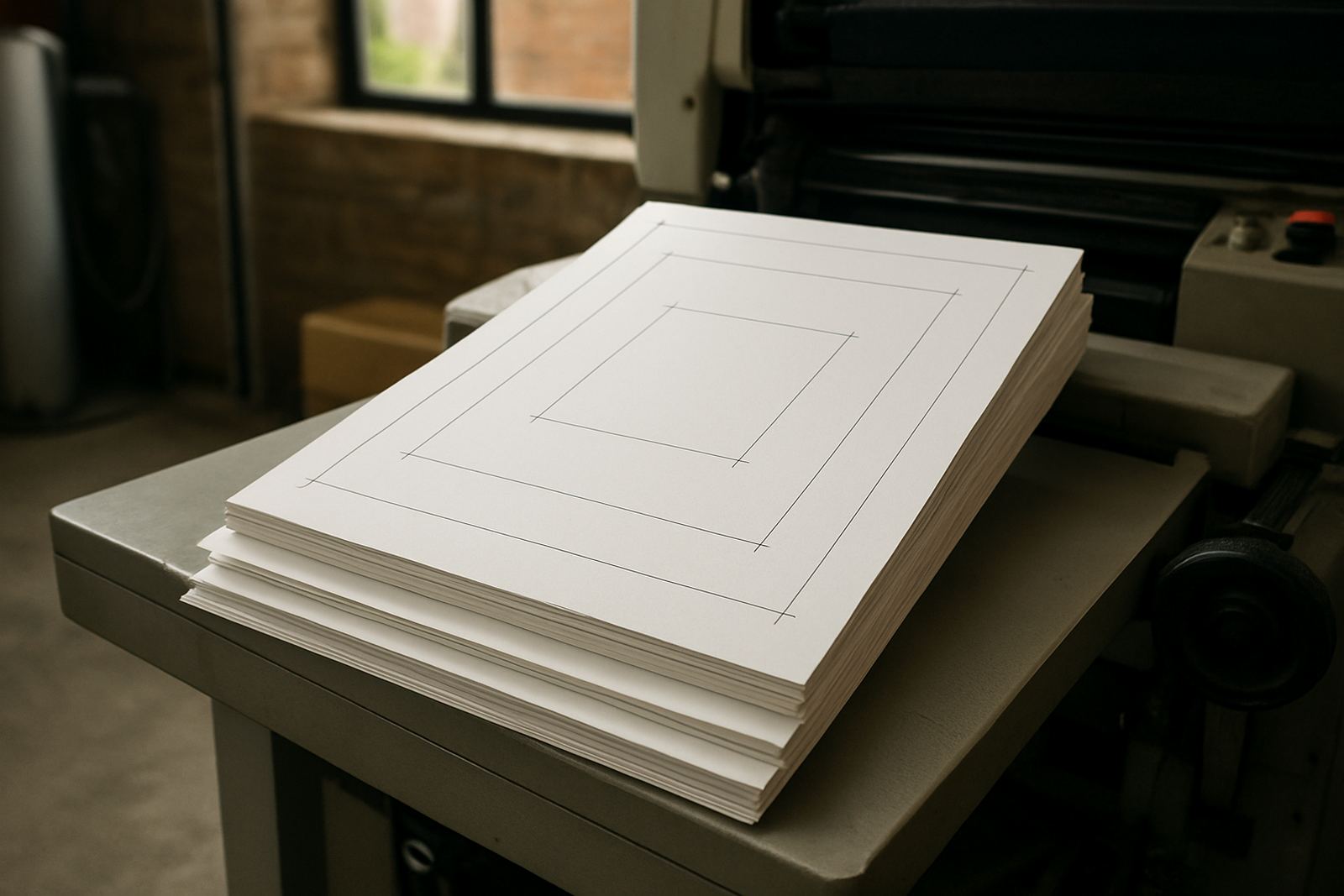
Bleed is the extra image that runs beyond the cut line. Safe area is the space inside the edge where you keep important text and logos. Both are needed for professional banner printing because trimming is never exact to the last millimetre. On a vinyl banner, this also helps when eyelets, hems or pole pockets are added after printing.
A common mistake is placing a border too close to the edge. If the banner is trimmed slightly uneven, a thin border will look off-centre straight away. Keep borders either bold and deliberate or leave them out. For pull up banners, make sure the bottom of the artwork allows for the clamp area inside the cassette. A design that looks perfect on screen can lose a name or slogan if the lower part has not been planned carefully.
- Use bleed on every edge where trimming will happen.
- Keep logos and small text inside the safe area.
- Allow extra space for hems, eyelets or pole pockets.
- Check that coloured backgrounds extend fully past the trim line.
Choose Images, Colours and File Quality That Print Well
Low-resolution images are one of the biggest causes of poor banner output. If the image looks soft on screen, it will usually look worse on print. Use clean vector logos where possible and high-resolution photos for products, people or locations. For a Randfontein business promoting a sale, menu special or opening event, the photo needs to be sharp enough to carry the message from across the room or across the road.
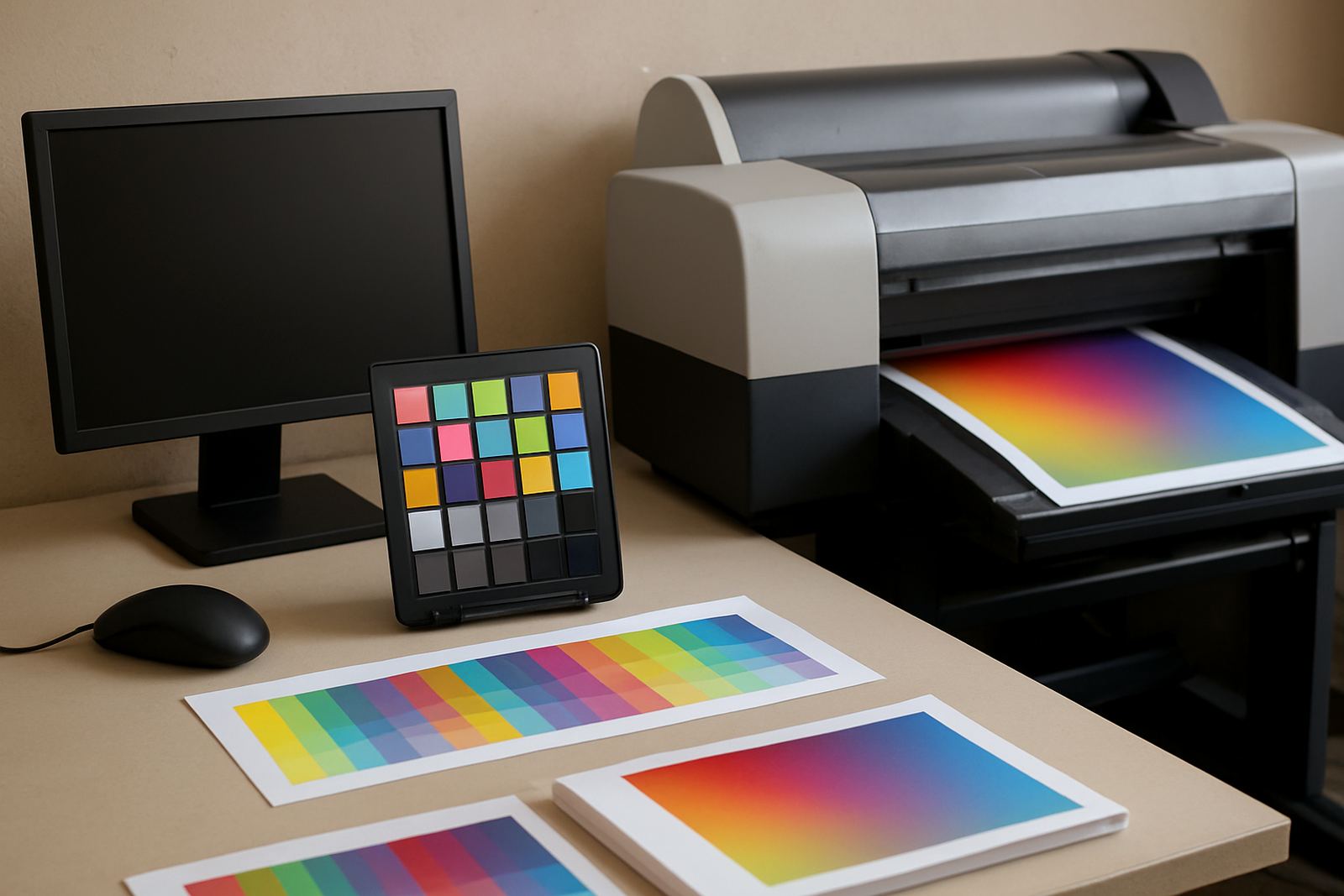
Keep colours practical. Bright colours can work well, but they should still match your brand and remain readable in daylight. Dark outdoor areas, direct sun and loading bays can all change how a banner appears once installed. If the banner will be used near a workshop, taxi rank or building site, choose a layout that still reads in dusty conditions and strong sun. Coastal humidity is less of an issue in the West Rand, but dust and rain splash can still affect how a banner is handled and stored.
- Use high-resolution photos, not screenshots from social media.
- Prefer vector logos for sharp edges and clean scaling.
- Check colour contrast on both light and dark backgrounds.
- Avoid small decorative elements that may disappear in print.
Export the File in the Format the Print Shop Can Use
Once the design is approved, export it in a print-ready format. PDF is usually the safest choice for banners because it keeps layout, fonts and image placement stable. Flattened artwork can help avoid missing font issues, but make sure the final file still looks crisp. If you send a working file, also package the linked images and fonts if requested.
Name the file clearly so the order can be checked quickly. A useful file name includes the client name, size and version number. That saves time when a same-day print order comes in from Krugersdorp or Westonaria and the artwork needs to move straight into production. Before you send the file, zoom in and check for spelling errors, cut-off text or stray marks. It is easier to correct them on screen than after print.
- Export as PDF unless another format has been requested.
- Make sure all fonts are embedded or outlined.
- Check that images are placed at final size and not stretched.
- Remove hidden layers, comments and unused pages.
Proofing Checklist Before You Approve the Banner
A final proof check can prevent costly reprints. Read the banner line by line and check every number, address, service name and logo placement. If the banner includes trading hours, specials or a location line, confirm that it matches the current information exactly. Even a small typo can make a professional banner look rushed.
It also helps to ask one person who was not part of the design to review it. Fresh eyes catch mistakes fast. For businesses in Greenhills, Toekomsrus and Mohlakeng, this step is useful when banners are printed for events, promotions or opening day because the banner may only be used for a short period, so there is no time for errors. Keep the proof on a larger screen if possible and do a last check on both benchtop and mobile views if the design was prepared across more than one device.
- Check spelling, phone details, trading hours and web details.
- Confirm the logo is in the right position and not stretched.
- Make sure the final size, finish and quantity are correct.
- Approve only after all text is easy to read at a distance.
What to Send With Your Banner Artwork Request
When you submit your banner file, include the basics that help the print team move quickly. If the artwork is already complete, mention the size, finish and deadline. If you still need layout help, send the text, logo files and any photos you want used. This makes it easier to prepare a clean proof and avoids back-and-forth on small details.
For West Rand businesses, especially those in a hurry for an event or shop promotion, clear instructions save a lot of time. If you are not sure whether your file is ready, ask for a check before printing. It is better to adjust a layout before the job goes to print than to fix it later after the banner has already been made.
- Send the exact size and finishing type.
- Include logo files, pictures and approved text.
- State whether the banner is for indoor or outdoor use.
- Ask for proofing if you need layout or wording checked.