Start with the final wording before you send anything
The biggest delay in same day print is not the machine, it is the last minute change. Before you send a flyer, business card, poster or sticker brief, make sure the wording is approved by the right person. Prices, contact details, trading hours, addresses and product names should all be checked once, then checked again.
For West Rand businesses, this matters even more when the job is tied to a promotion, market day or a delivery run. If your team in Krugersdorp or Roodepoort is still changing the offer after lunch, the artwork can miss the print window and push collection into the next day.
- Confirm the exact spelling of names, suburbs and street addresses
- Lock in prices, dates and conditions before layout starts
- Decide whether you want full colour, black and white or a simple one colour job
- Check that the message matches the audience, whether it is retail, trade or event customers
Measure properly so trimming does not hurt the design
Digital print is fast, but it still needs the right size. If you want a flyer, poster or banner to look neat after trimming, send the final finished size and not just a rough idea. A poster for a shop window in Mogale City is not the same as a handout for a local school event, and a sticker for a bottle is not the same as a label for a box.
When measurements are vague, the layout has to be guessed. That creates wasted space, cropped logos or text that sits too close to the edge. Keep the size clear, especially if the piece must fit a frame, clip strip, window or product pack.
- Give width and height in millimetres or centimetres where possible
- Tell the printer if the size is finished size, with bleed, or the size of the frame
- For banners, include the hanging method and any pole pocket or eyelet spacing
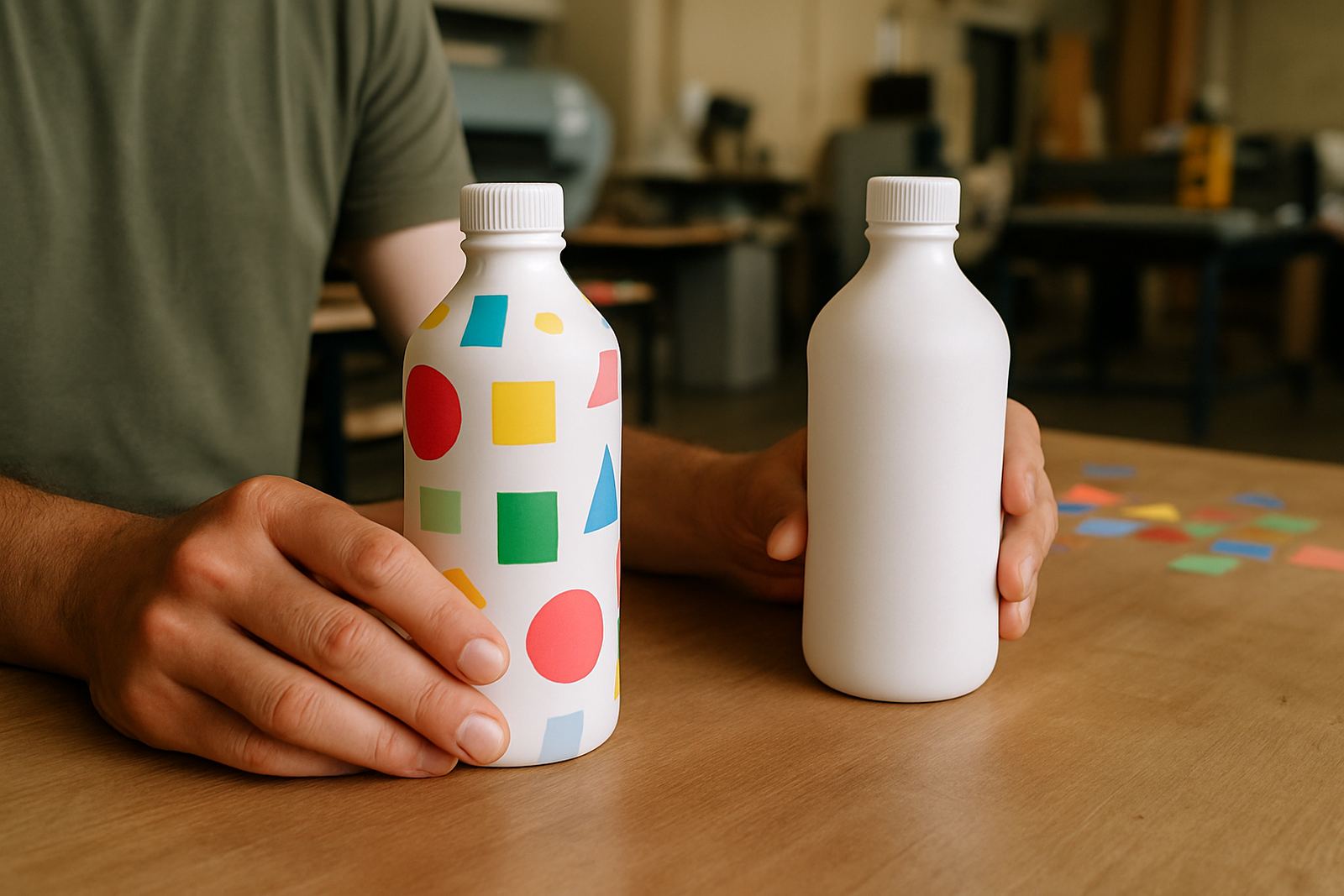
- For stickers, state whether you need square, round, contour cut or sheeted labels
At @Print in the Randfontein CBD, this kind of detail helps the team move quickly from artwork to output without unnecessary back and forth.
Send clean files that are easy to work with
If you already have artwork, send the best version you have. Low quality screenshots and images copied from social media often look fine on a phone but print badly on a flyer or poster. Blurry logos, stretched pictures and tiny text can cause problems when the job is on a tight deadline.
The best file is usually the one that keeps text sharp and pictures clear at the final size. If your file includes photos, make sure they are bright enough and not heavily compressed. If the design has fine lines or small wording, check it at actual size before sending. A lot of same day issues come from files that are too small for the job.
- Use the highest quality artwork available
- Avoid screenshots unless there is no other option
- Check that logos are not blurry or pixelated
- Make sure all spelling is correct before export
For business card design and flyer design, clean artwork saves time and keeps the finished piece looking professional. If your team in Westonaria has only one afternoon to get a campaign out, that file quality matters a lot.
Keep your colours and photos realistic for print
Digital print can handle strong colour, but it still has limits. Bright reds, dark blues and heavy black areas may print differently from what you see on screen. That is normal. If your brand uses specific colours, send them early and allow for a small shift in the final result.
Photos should also be chosen carefully. Dark images print poorly on some paper stocks, while overexposed images can lose detail. If the job is for a menu layout, brochure layout or poster design, choose images that still look good when reduced or enlarged. This is important for businesses in coastal humidity areas too, because stickers and signage may need a finish that can cope better with handling and storage.
- Use clear images with enough light and contrast
- Do not rely on screen colour alone
- Tell us if the job will be viewed indoors, in a window or outside
- For outdoor use, ask for the right material and finish for the conditions
Same day jobs often move fast through production, so making colour choices early reduces the need for proofing updates later.
Plan for the practical side of the day
A same day print job is not just about artwork. It also depends on when the final file arrives, how quickly approval comes back and whether the item needs finishing after printing. Cutting, trimming, folding, binding and mounting all take time. If you want the job ready before close of business, build in a buffer.
This is especially useful for local trade businesses in Greenhills, Toekomsrus and Mohlakeng that need printed material for a visit, a quote run or a site meeting. A banner for a roadside promotion may need eyelets. A stack of forms may need clean folding. A sticker job may need careful weed out and cutting. These steps are quick, but they are not instant.
- Send the job early in the day where possible
- Allow time for proofing updates and final approval
- Say whether the job needs folding, trimming, eyelets or other finishing
- Plan collection time around traffic, deliveries and load-shedding risks
If power interruptions are likely in your area, it helps to keep the brief tight and the communication clear so the production team can keep the job moving when power is available.
Use one clear contact person to avoid crossed instructions
Fast print works best when one person is responsible for the final say. If three people send different instructions, production slows down while everyone tries to work out which version is correct. A single contact makes it easier to approve artwork, confirm quantities and release the job.
That matters for business card design, flyer design and print ready artwork where small changes can affect the whole layout. It also helps when you need artwork redraws or proofing updates because the response comes from one place rather than a group chat full of mixed notes. For many Randfontein businesses, this simple step is the difference between same day success and an extra day of waiting.
- Nominate one approver for the job
- Keep all notes in one thread or form submission
- Approve changes quickly, especially on urgent print runs
- Tell the printer which details must not change under any circumstances
At @Print, Bianca in client services and the production team work best when the brief is tidy and the decision maker is clear. That keeps the turnaround shorter for businesses across Krugersdorp, Mogale City and Roodepoort.
A Randfontein example that shows why prep pays off
Take a small hardware supplier in Randfontein CBD that needs posters and stickers for a weekend promotion. The owner sends the offer in the morning, but the prices are still being discussed, the logo comes through as a screenshot and the poster size is only described as big enough for the window. That job can still be done, but it will need extra back and forth before it is ready for print.
Now compare that with a job that arrives with final wording, exact poster size, clear logo artwork and a note that the stickers must be round, cut to size and ready for shelf use. The second job moves far quicker. The layout gets approved sooner, the print run starts sooner and collection is easier to plan before the day gets away from you.
That is the real point of planning same day print. It is not about being fancy. It is about sending the right information so the work can move without stoppages. When the brief is clean, same day digital printing is far more likely to finish on time and look right the first time.